
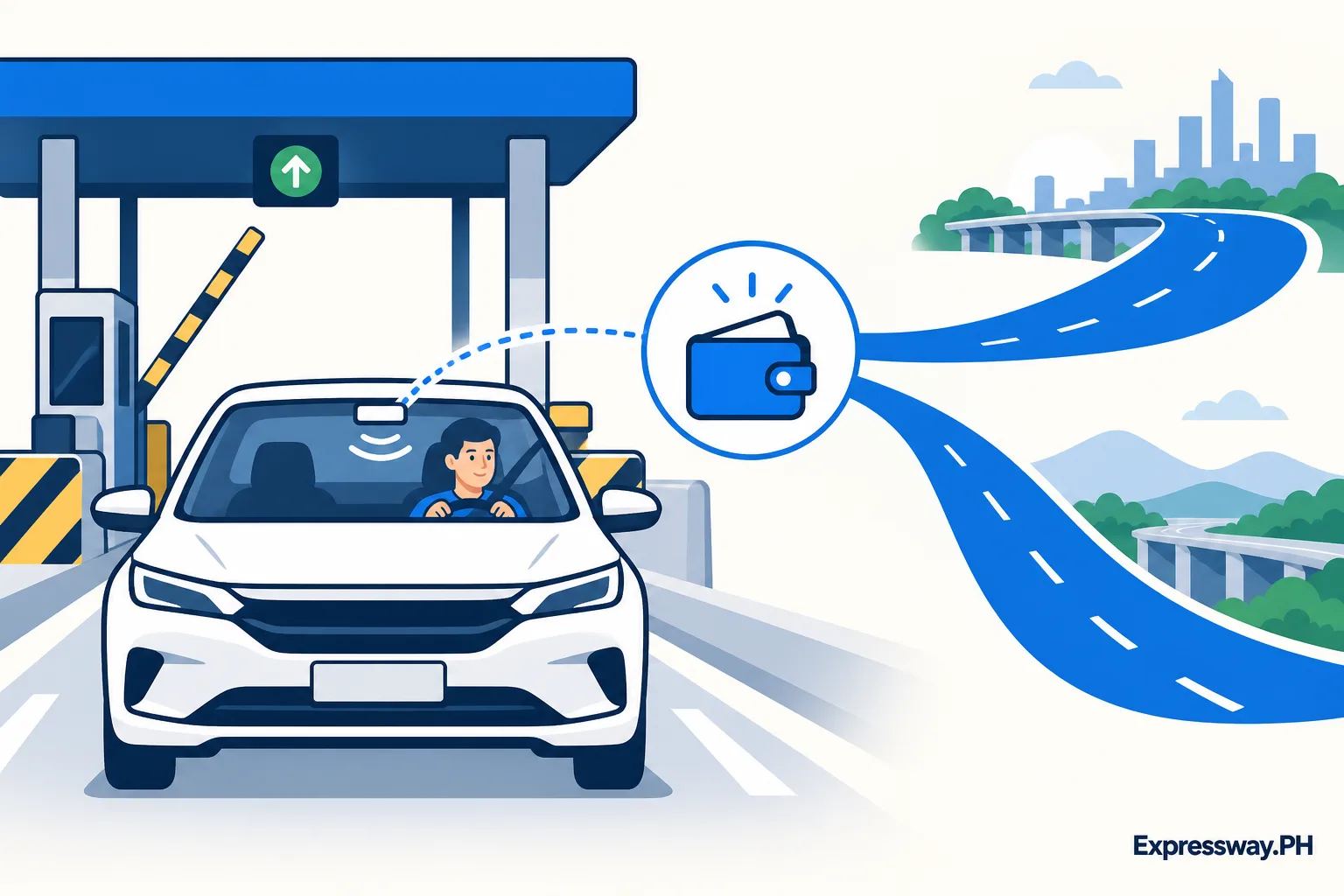
Understand what the unified program changes
The program's account change is the main benefit: one chosen toll payment provider account can fund tolls across participating roads. The SMC disclosure describes the initiative launched October 21, 2025. Easytrip's current FAQ describes Easytrip RFID Plus as one RFID, one balance, and one provider.
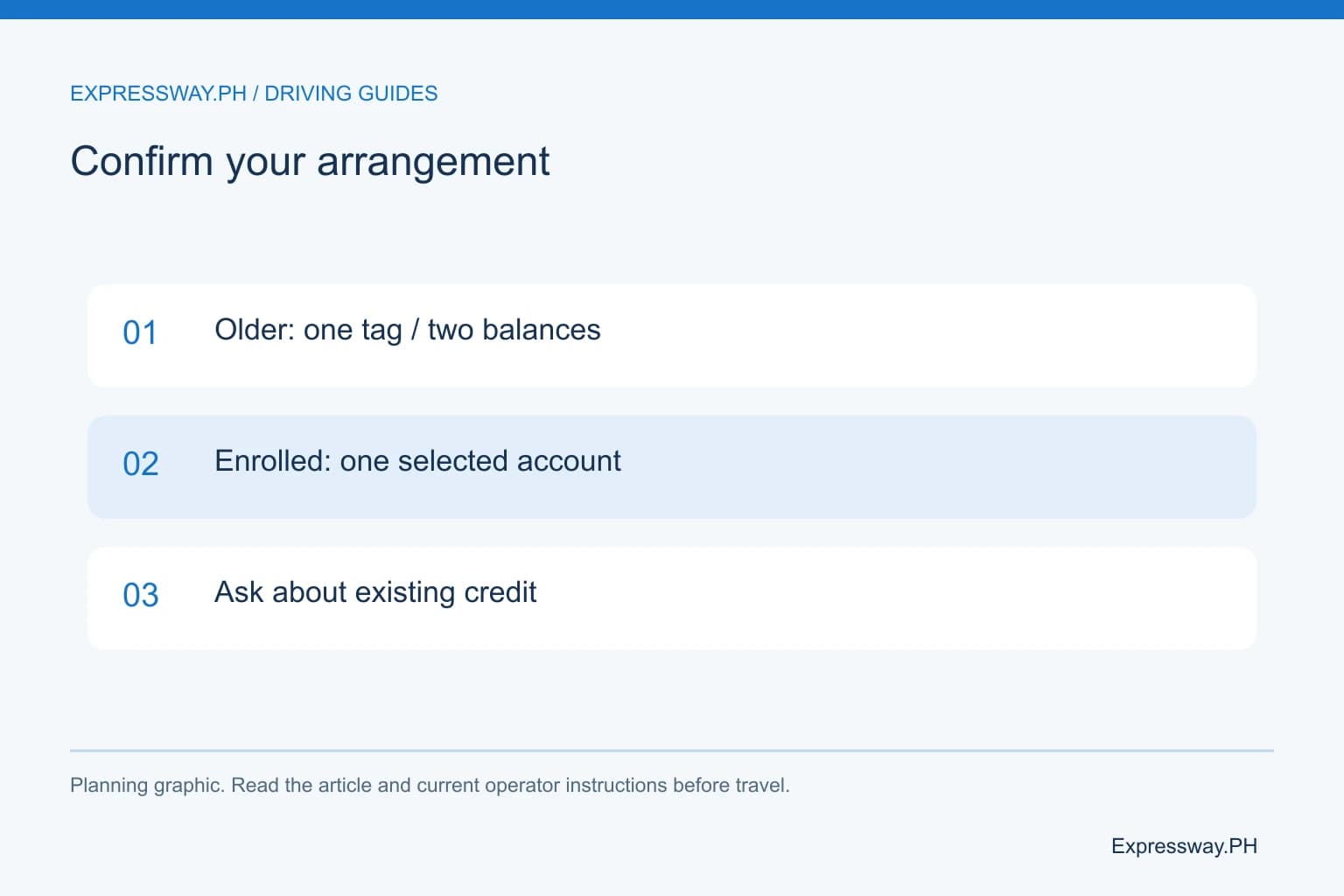
Previously, a driver crossing the standard networks could need separately maintained Easytrip and Autosweep credit. Earlier interoperability could reduce the physical tags without removing the separate balances. The current unified account addresses that account-management distinction.
Enrollment matters. A compatible sticker, an app profile, or a form submission is not a substitute for confirmation that the selected account is active for the program. Before a cross-network journey, check that status with the provider. Keep the confirmation alongside the vehicle and account records you use for reloading.
| Arrangement | Accounts and balances | Before cross-network travel |
|---|---|---|
| Ordinary accounts | Separate provider credit | Fund required networks |
| Older interoperable tag | Can still use two balances | Check both account records |
| Confirmed One RFID | One selected provider account | Confirm activation and credit |
Check the participating roads and the ordinary provider boundary
The corporate disclosure names NLEX, SCTEX, CAVITEX, C5 Southlink, CALAX, TPLEX, Skyway, Skyway Stage 3, SLEX, NAIAX, MCX, and STAR Tollway. Easytrip's FAQ also describes NLEX Connector in its standard network information. Confirm your actual road itinerary against the provider's current participating coverage.
Under ordinary accounts, NLEX and SCTEX use Easytrip, while TPLEX uses Autosweep. SLEX uses Autosweep and CALAX uses Easytrip. Those boundaries make the unified balance particularly relevant to long northbound trips and some Tagaytay routes.
The program does not open unfinished road connections or remove toll charges. Payment coverage and road access are separate questions. Check the route, ramp direction, vehicle eligibility, and posted toll arrangement as usual. The RFID comparison explains the standard provider networks beside the unified option.
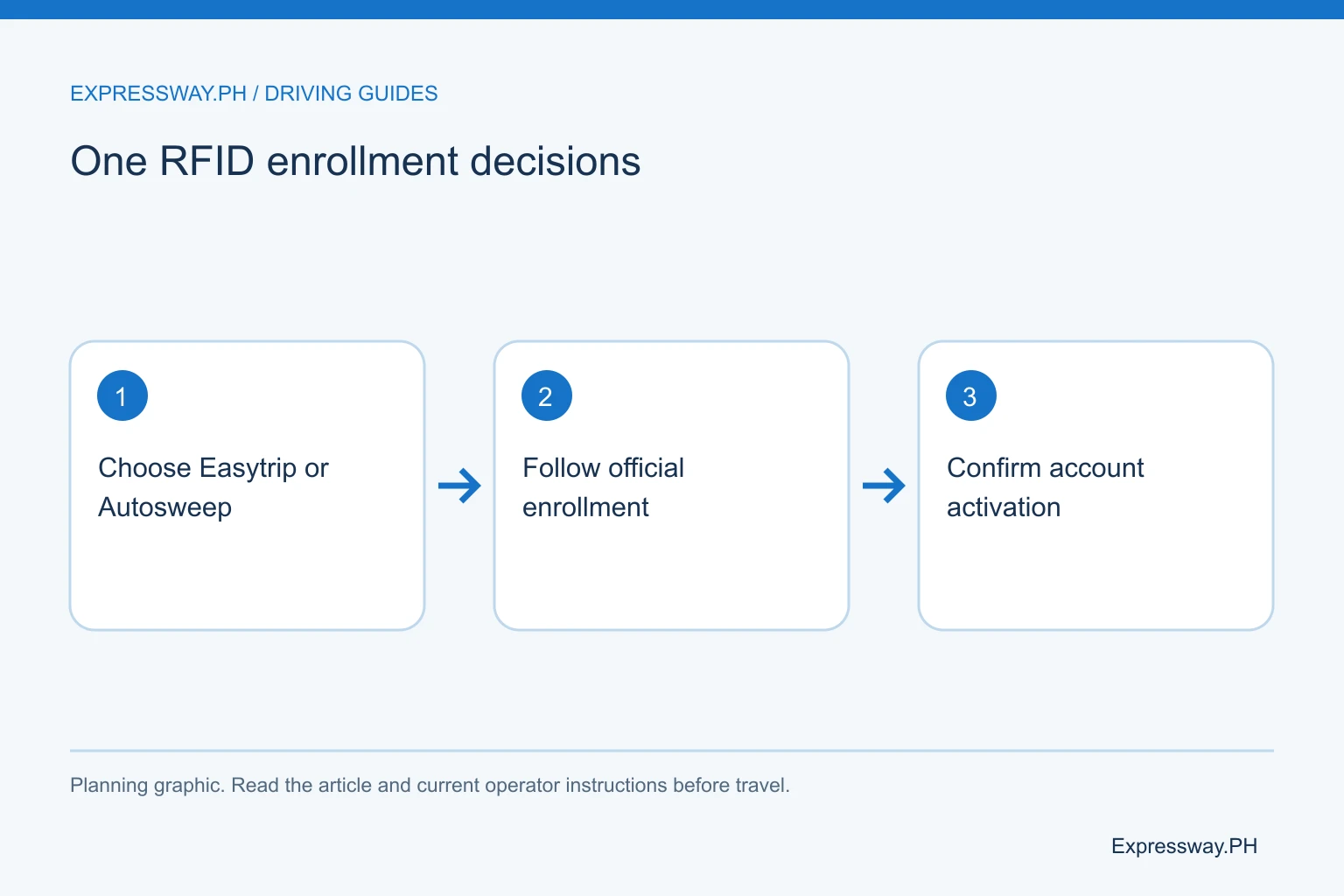
Choose the account you can manage and recover
Choose the provider account you want to maintain, then follow that provider's official enrollment process. Easytrip identifies RFID Plus for its unified program. Autosweep is the other provider account choice described in the corporate disclosure.
Consider practical account management. Can you access the registered email and phone? Do you know the correct account number? Does your preferred payment channel currently accept that provider? Can the family or fleet administrator check the balance for the vehicle when needed?
If several people drive the same car, agree on who manages the account. Avoid creating conflicting app profiles or handing out unlabelled card numbers. Keep the owner, vehicle, selected provider, and account identifier in a private record. A single wallet is useful only when you can reliably reload it and recover access.
Prepare the vehicle, existing tag, and account records
Gather the vehicle registration, valid identification, existing provider cards, and account information before contacting the chosen provider. Ask which ownership or authorization paperwork your situation requires, especially for a used car or company vehicle.
Tell the provider whether the tag is on the windshield or headlight, whether the windshield has tint, and whether reading has been reliable. The corporate disclosure describes the newer windshield-mounted approach. The installer should assess compatibility and advise on fitting or replacement.
Don't peel off a functioning tag or buy a loose replacement before that assessment. A physical change can affect the existing account relationship and lane reading. Bring the actual vehicle when the provider requires inspection. An enrollment article cannot determine the right fitting position for your specific windshield.
Follow the selected provider's official enrollment route
Start from the chosen provider's official website or published customer-service channel. Easytrip's current FAQ links its One RFID enrollment information. Follow that link from the provider rather than an unsolicited message asking for account details or payment to a personal number.
Read the service description before submitting details. Confirm that it refers to the current unified account, not an older sticker-registration arrangement. Review the required account identifier, vehicle documents, inspection task, and activation instructions.
Keep the application or visit confirmation, but don't treat it as proof of activation unless it says the account is active. Ask how you will receive confirmation and what to do before the first cross-network trip. The appropriate next step is a clear provider status check, not an assumed universal waiting period copied from another customer's experience.
Ask about existing balances before abandoning an account
Record the available balances in your existing Easytrip and Autosweep accounts before changing the setup. Ask the chosen provider what happens to each account and whether any balance-transfer, retention, or refund terms apply to your case.
The program's free registration does not establish automatic balance consolidation. It also does not prove every previous account closes at enrollment. These are account-specific questions for the providers' current terms. Keep the old receipts and account identifiers until you receive a clear answer.
For example, a driver with ₱800 in one account and ₱300 in another should not assume the selected wallet will show ₱1,100 after enrollment. Those figures illustrate the question to ask. Confirm what happens to each balance, then inspect the selected account before deciding how much fresh load to buy.
Reload one provider and verify usable credit
After confirmed activation, use the selected provider's accepted reload channels and account identifier. Do not divide the journey's budget between two billers simply because that was your old habit. Confirm which account is supposed to receive the toll deductions.
Review payment fees and processing information. GCash currently lists Easytrip RFID at ₱12 and an Autosweep fee of ₱12 effective March 24, 2026. The live checkout determines your transaction's charge. Other wallets and banks can offer different terms.
Check the resulting balance with the provider. A receipt from a wallet confirms the payment record, while a balance inquiry shows toll credit. For a missing GCash RFID reload, follow its one-hour check-and-report instructions. Keep the selected account clearly labelled so the next payment goes to the same intended wallet.
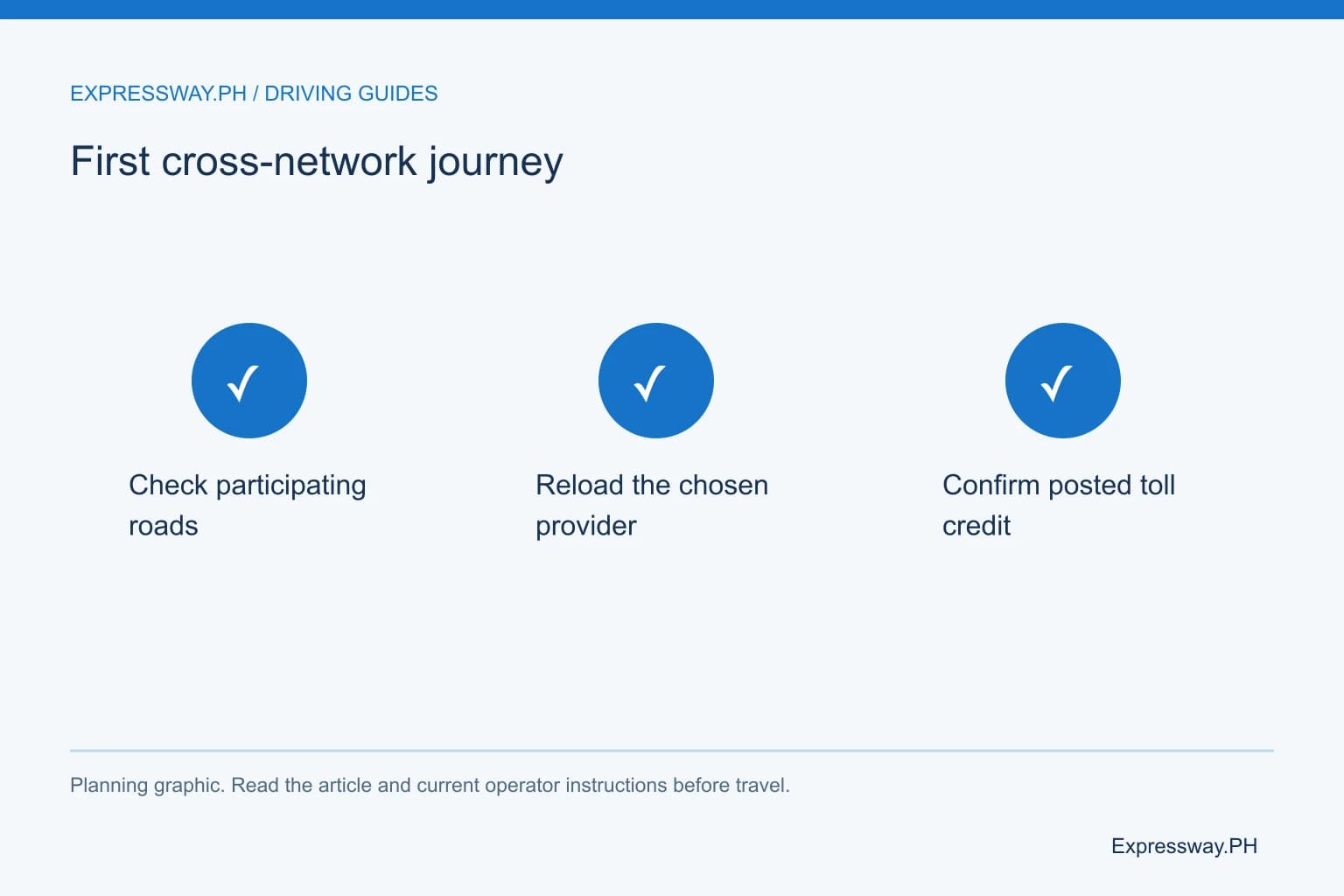
Check the first cross-network itinerary carefully
Choose the real entry, exit, and vehicle class in the toll calculator. Include every tollway you plan to use and the return. Unified RFID simplifies the payment arrangement; it does not make every route cost the same.
A Manila-to-Baguio itinerary commonly uses NLEX, SCTEX, and TPLEX before local mountain roads. A SLEX-and-CALAX Tagaytay route crosses another ordinary provider boundary. Confirm the unified account is active for your planned participating roads before depending on one balance.
Allow practical extra credit for a changed exit or route. Check the balance shortly before departure rather than using an old screenshot. Keep the provider contact details available. If a toll lane cannot read the tag, follow the attendant's instructions and note the road, direction, and time for the later account investigation.
Keep the two-account arrangement if that is your choice
The SMC disclosure describes adoption as voluntary and says motorists may retain the previous two-account system. You don't need to change a functioning arrangement solely because a new program exists.
If you retain separate accounts, continue checking and funding each network required by the itinerary. An ordinary Autosweep balance does not cover an NLEX segment under that arrangement. An Easytrip balance alone does not fund ordinary TPLEX use. Older interoperable tags can still require both balances.
That choice can suit an account owner who needs time to settle fleet administration, recover login details, or understand existing credit. Settle those tasks before changing the record. The useful comparison is whether the arrangement fits your routes and account management, not whether you have the newest-looking sticker.
Resolve an enrollment or lane-reading problem with specific details
For an enrollment query, give the provider the selected account, vehicle details, and application or inspection record. Ask whether activation is complete and which balance should pay the road you plan to use. A generic “RFID not working” report doesn't identify the account-status question.
For a lane-reading failure, follow the attendant first. Don't reverse into approaching traffic or tailgate another car through the barrier. After the immediate issue, record the road, ramp or plaza, direction, time, and any receipt.
Check whether the account had sufficient posted credit. If it did, ask about tag compatibility or inspection rather than repeatedly reloading. Keep the provider's explanation with your records so the next trip uses the corrected account setup. This gives you a concrete way to distinguish enrollment, payment, and physical tag problems.
Frequently asked questions
Is One RFID enrollment mandatory?
No. The SMC corporate disclosure describes registration as free and voluntary. Motorists can adopt a single selected provider account or retain the previous two-account arrangement. If you keep separate accounts, continue funding the provider networks required by your actual route. Confirm your own setup before relying on a single balance.
Does one visible sticker mean I have one balance?
No. Older interoperability can connect one sticker with two separately maintained provider accounts. The current unified program needs confirmed enrollment and activation. Ask the chosen provider which arrangement your vehicle has and which account to reload. Count the active accounts and balances, not just the physical tags.
Will my old Easytrip and Autosweep balances automatically combine?
Do not assume an automatic transfer or combined balance. Record both existing amounts and ask the providers what their current terms allow for your accounts. Free enrollment describes the program registration charge; it does not establish every balance-transfer, account-closure, or refund outcome. Keep your account records until the treatment is clear.
Can I choose Easytrip for One RFID?
Yes. The current program describes a choice of Easytrip or Autosweep as the selected toll payment provider account. Easytrip's FAQ identifies its RFID Plus service for One RFID. Follow the official provider enrollment process and confirm activation before depending on the selected balance for a trip across participating tollways.