
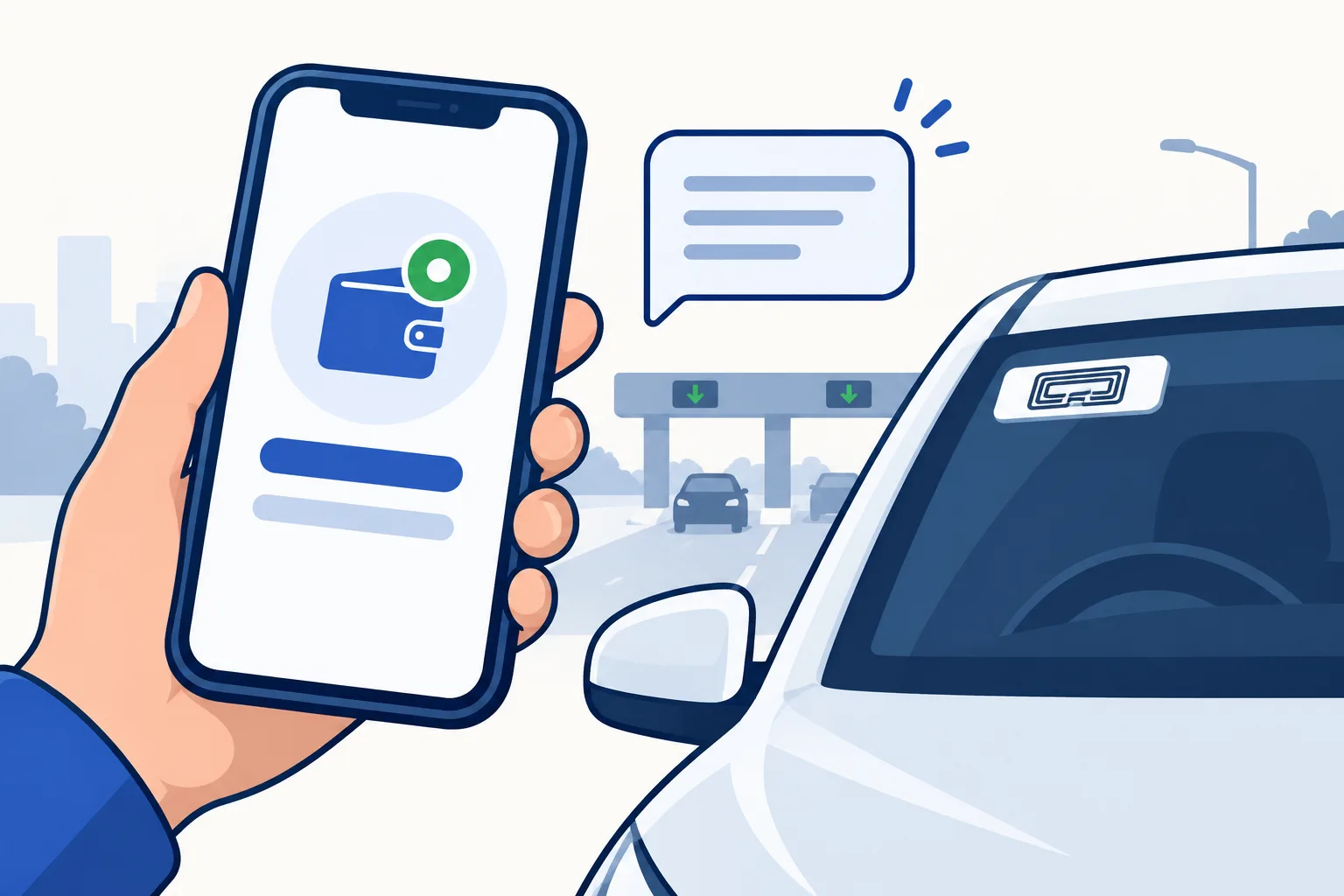
How to check Autosweep balance: 4 ways
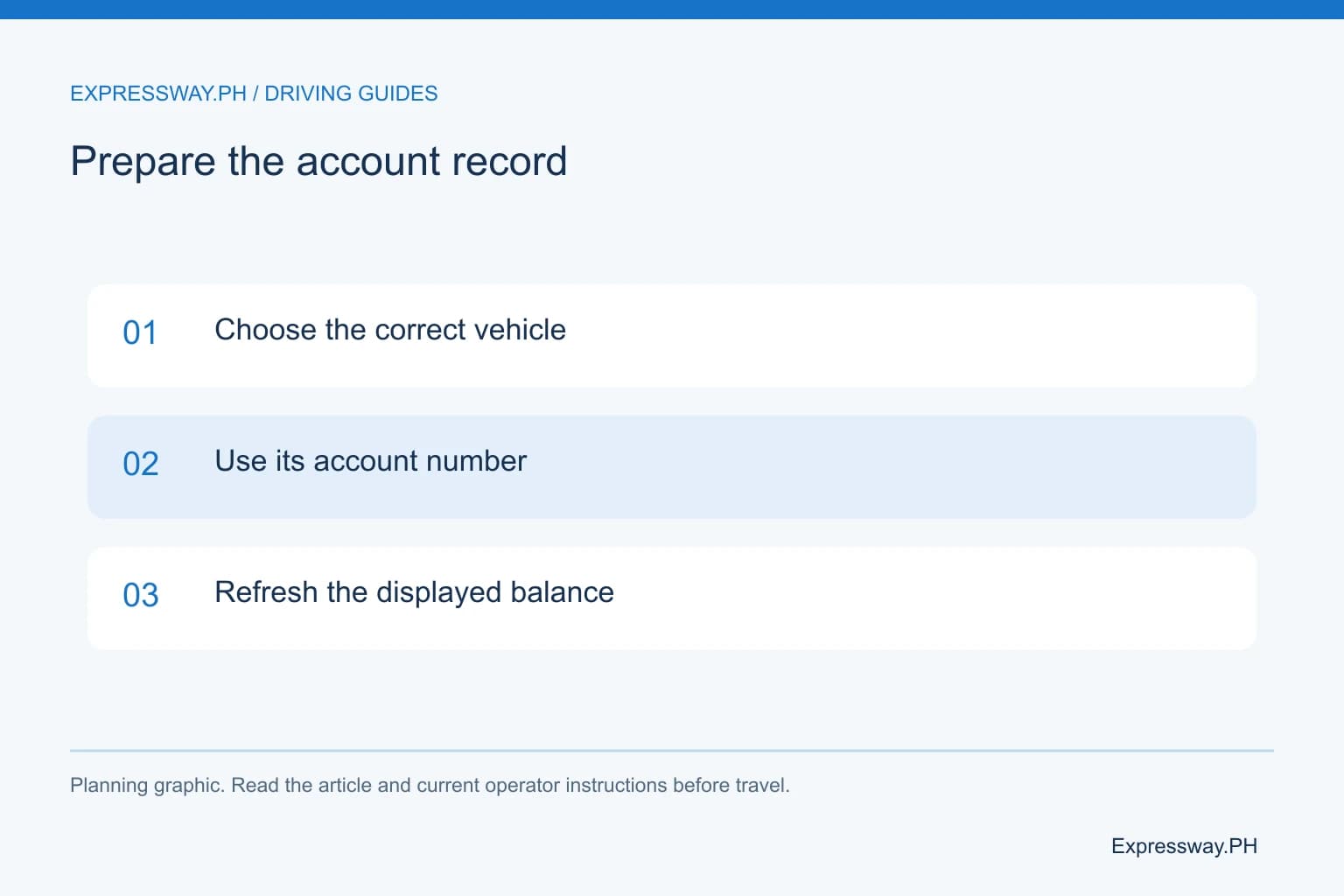
Pick the method that matches what you have in hand. An Easytrip number or another car's account will not return your balance, so use the account number issued for this vehicle.
| Method | What you need | Use it to | Source |
|---|---|---|---|
| Quick balance in the Autosweep RFID app | Account number; no login | Check one account | Autosweep app listing, updated 30 September 2026 |
| Logged-in app | Profile and linked accounts | Check several vehicles | Autosweep app listing |
| Customer portal | Email and password | Account access and recovery | Autosweep customer portal |
| Hotline (02) 5-318-8655 | Account number, plate, payment reference | Report a missing reload or an unread sticker | Autosweep app listing |
Autosweep balance inquiry by SMS
Autosweep's app listing names two balance tools: quick balance and the logged-in app. It lists no SMS balance number. Run quick balance before you drive instead.
Want text alerts? Ask the hotline in the last section what your account supports. Give your account number, because a plate number is not interchangeable with it.
Autosweep login and the customer portal
Manage more than one car? Sign in to the app and pick the account. The listing says one profile can hold several Autosweep accounts, so check the car you will actually drive.
The customer portal at autosweeprfidapps.com/balanceinquiry signs you in with an email address and password. It also offers sign-up and password recovery. Sign-in steps are in the Autosweep login guide.
Balance too low? Reload, then check it posted
GCash charges ₱12 per Autosweep reload from 24 March 2026, per its bills-payment fee notice. A ₱500 load therefore costs ₱512 from your wallet, and ₱500 reaches the account.
GCash's RFID help article says to check the balance again within one hour. Still missing after that? Open the transaction, tap Get Help and report that the payment has not posted. Keep the reference and payment time.
A GCash receipt proves payment, not credit, so confirm the new amount with quick balance. Other channels are in how to load Autosweep.
How much balance you need: class 1 tolls
Autosweep covers SLEX, Skyway, Skyway Stage 3, NAIAX, STAR Tollway and TPLEX, per its app listing. Load for every one of these roads on your route.
The table gives class 1 tolls for common Autosweep runs, from the TRB matrix in our toll data (last TRB update 1 February 2026).
Worked example: Magallanes to Calamba on SLEX is ₱244, and Calamba to Batangas on STAR is ₱135. That is ₱379 one way, so ₱379 × 2 = ₱758 for the round trip. An account short of the toll will not pay at the lane, so load before you queue.
Class 2 and 3 rates are in the SLEX toll matrix and the STAR toll matrix.
| Trip | Expressway | Class 1 toll |
|---|---|---|
| Alabang to Calamba | SLEX | ₱126 |
| Magallanes to Calamba | SLEX | ₱244 |
| Calamba to Batangas | STAR Tollway | ₱135 |
| Buendia to Quezon Ave. | Skyway Stage 3 | ₱264 |
| La Paz to Rosario/Baguio | TPLEX | ₱311 |
One RFID: which balance to check
Enrolled in One RFID? Check the account of the provider you enrolled with. Easytrip's FAQ says Easytrip RFID Plus pays all MPTC and SMC roads from one load balance.
SMC Tollways' SEC Form 17-C of 23 December 2025 calls enrollment voluntary. You may keep two accounts instead, and then each needs its own load. Not sure which you have? Ask the provider before an NLEX or CAVITEX leg.
Coverage by road is in Autosweep vs Easytrip. Enrollment steps are in the One RFID article.
Autosweep customer service hotline: (02) 5-318-8655
This is the customer contact on Autosweep's app listing. The same listing gives app support at autosweepsupport@ietc.sanmiguel.com.ph or +63 917 520 3318.
Name the problem first, because each one has a different fix. Another reload does not repair a sticker that will not read. If a barrier stays closed, follow the attendant and do not reverse into traffic.
| Problem | Fix | Have ready |
|---|---|---|
| Cannot sign in | Reset the password on the customer portal | Registered email address |
| Reload not showing | Ask the payment channel first, then Autosweep | Reference number, amount, payment time |
| Sticker not read at the lane | Ask for an inspection at an Autosweep installation site | Account number and plate |
Frequently asked questions
What is the official Autosweep website?
autosweeprfid.com, per the Autosweep app listing on Google Play. For sign-in and password recovery, use the customer portal at autosweeprfidapps.com/balanceinquiry.
How do I check my RFID balance if my sticker is Easytrip?
Use Easytrip's own tools. Its FAQ lists quick balance on easytrip.ph, the MPT DriveHub app and SMS. Text BAL, a space and your 12-digit account number to 09191601553. See the Easytrip balance guide.
Can I reload Autosweep in the app?
Not yet. The app listing names reloading as a coming feature. Reload through GCash or another channel in how to load Autosweep.
Sources and useful links
- Autosweep: official Mobile App listing, updated September 30, 2026
- Easytrip: FAQs (network, One RFID, balance check, 1-35000 hotline)
- Autosweep: customer portal and recovery
- GCash: bills-payment fee notice (Autosweep ₱12 from March 24, 2026)
- GCash: RFID missing-load and incorrect-detail support procedure
- SMC Tollways: SEC Form 17-C of December 23, 2025 on One RFID