
Use the Easytrip website for a quick balance inquiry
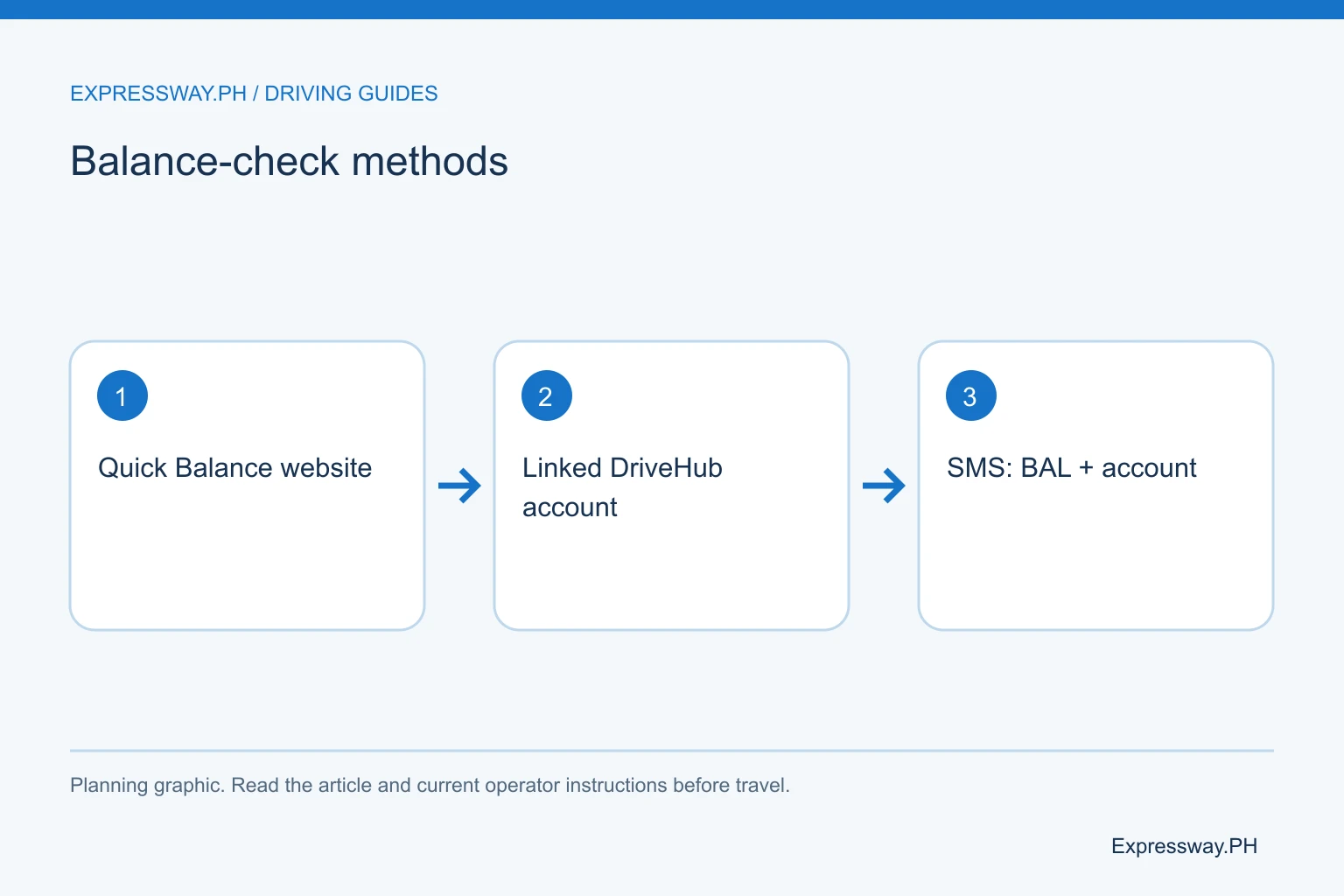
Open easytrip.ph through your browser and choose Quick Balance Inquiry. Enter your Easytrip account number in the field the service requests. Read the available balance and check that the account belongs to the vehicle you will drive. You don't need to buy load merely to find out how much credit remains.
For an Easytrip balance check online, the provider's own website is the useful starting point. A search result that says “www easytrip ph check balance” can lead to unrelated guides or advertisements. Check the address before entering account details. Bookmark the genuine page once you have found it.
The amount you see is a snapshot. A toll deduction or recent payment may affect the next result. Note when you checked it, then check again after topping up. If the page does not return a result, use another official method rather than assuming the balance is zero.
| Method | What to prepare | What it confirms |
|---|---|---|
| Quick Balance website | Easytrip account record | Available account balance |
| MPT DriveHub | Linked vehicle account | Displayed account credit |
| Published SMS service | BAL + 12-digit account | Text balance response |
Find the 12-digit account number, not the card number
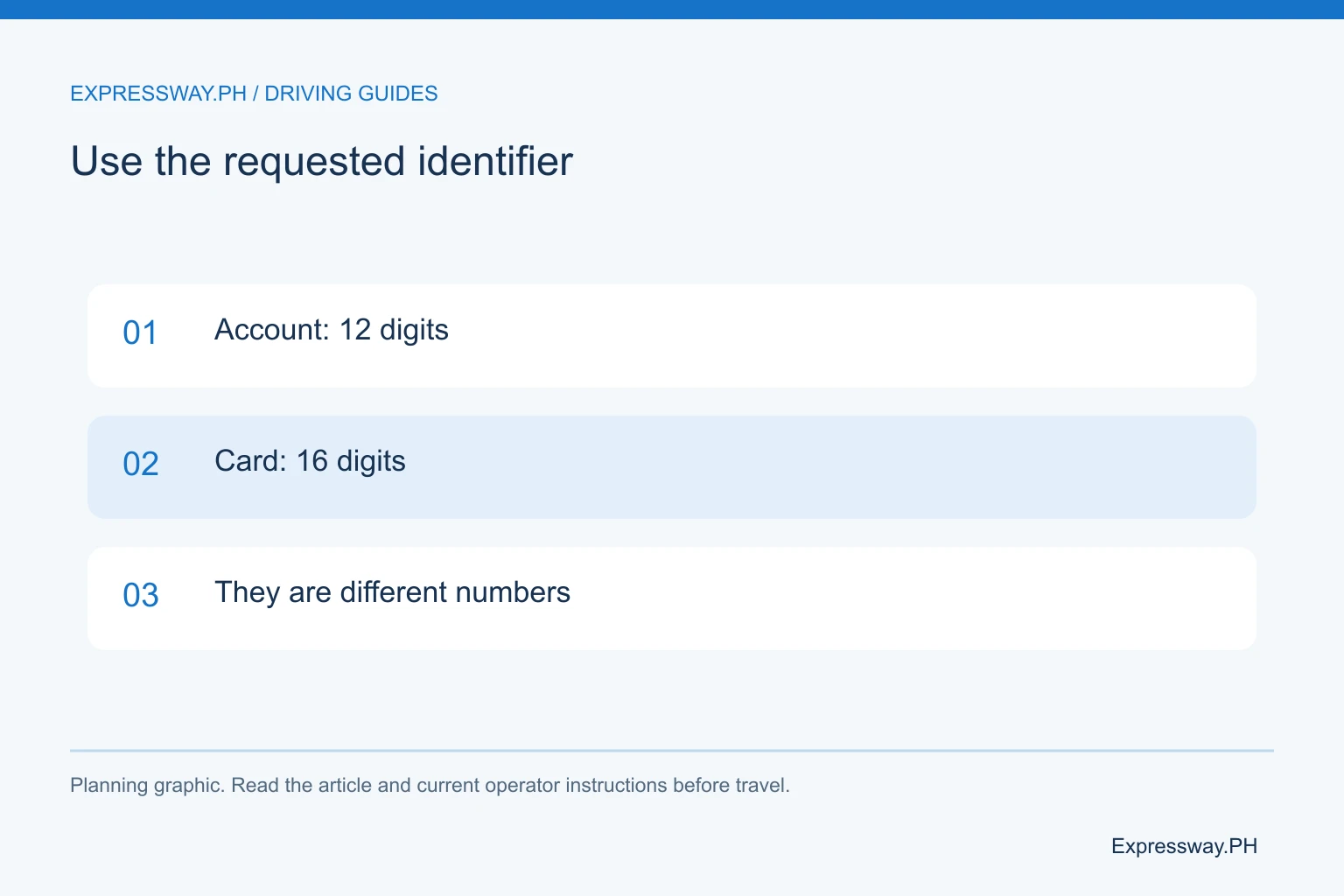
Your Easytrip account number and RFID card number are different identifiers. Easytrip's FAQ says the account number has 12 digits and the card number has 16 digits. Use the account number for the published SMS balance inquiry. When a reloading channel asks for an account number, don't substitute the longer card number.
Look at the account information you received when the sticker was installed. Compare the number with your linked account in the app or with a previous receipt you know credited the right vehicle. Keep the leading digits when you copy it. Don't remove a zero because a spreadsheet or phone contact makes the number look unfamiliar.
For a family with two cars, label the saved records clearly. “Blue sedan, Easytrip account” is more useful than “RFID.” The label helps you check balance for the correct vehicle without sharing the full number in a public message. An account mismatch can explain why one driver sees enough load while another reaches the barrier with insufficient credit.
Check remaining load in MPT DriveHub
MPT DriveHub is the current app Easytrip identifies for account management. Install it through the official app listing, create your profile if necessary, and link your Easytrip account. A phone profile and a toll account are separate records. Signing into the app alone doesn't prove your vehicle's account is linked.
Once the account appears, select it and look for the RFID balance information. Check the account label before taking action. If you manage several vehicles, switching between them is part of the balance check, not an optional detail. Save a note of which car you checked.
The app can be convenient for recurring trips because you don't have to find your paperwork each time. However, a saved screen can become stale. Refresh the balance before leaving and after a reload. Use the Easytrip reload guide when you need payment instructions; this page focuses on finding the available toll balance.
Check Easytrip balance via text
Easytrip publishes this SMS format: BAL, a space, then the 12-digit account number. Send the message to 09191601553. The account number should be your own real identifier. The supporting graphic explains the format without displaying a customer's account.
Check the recipient and message before sending. A mistyped digit can prevent a useful response or request information for the wrong account. Normal mobile-network conditions can affect delivery, and the provider's FAQ does not give a universal response-time promise. Don't treat a delayed text as proof that your account is empty.
If you receive no reply, try Quick Balance Inquiry or DriveHub while you are parked. Keep the unanswered message if you later contact support. Tell the provider which method failed and when you tried it. That gives customer service a clearer starting point than saying only that the RFID “doesn't work.”
Separate a GCash receipt from an RFID balance check
GCash can help you pay the Easytrip biller, but a completed bills payment is not an Easytrip balance inquiry. It records a payment from your wallet. You still need an Easytrip service to confirm the resulting toll credit.
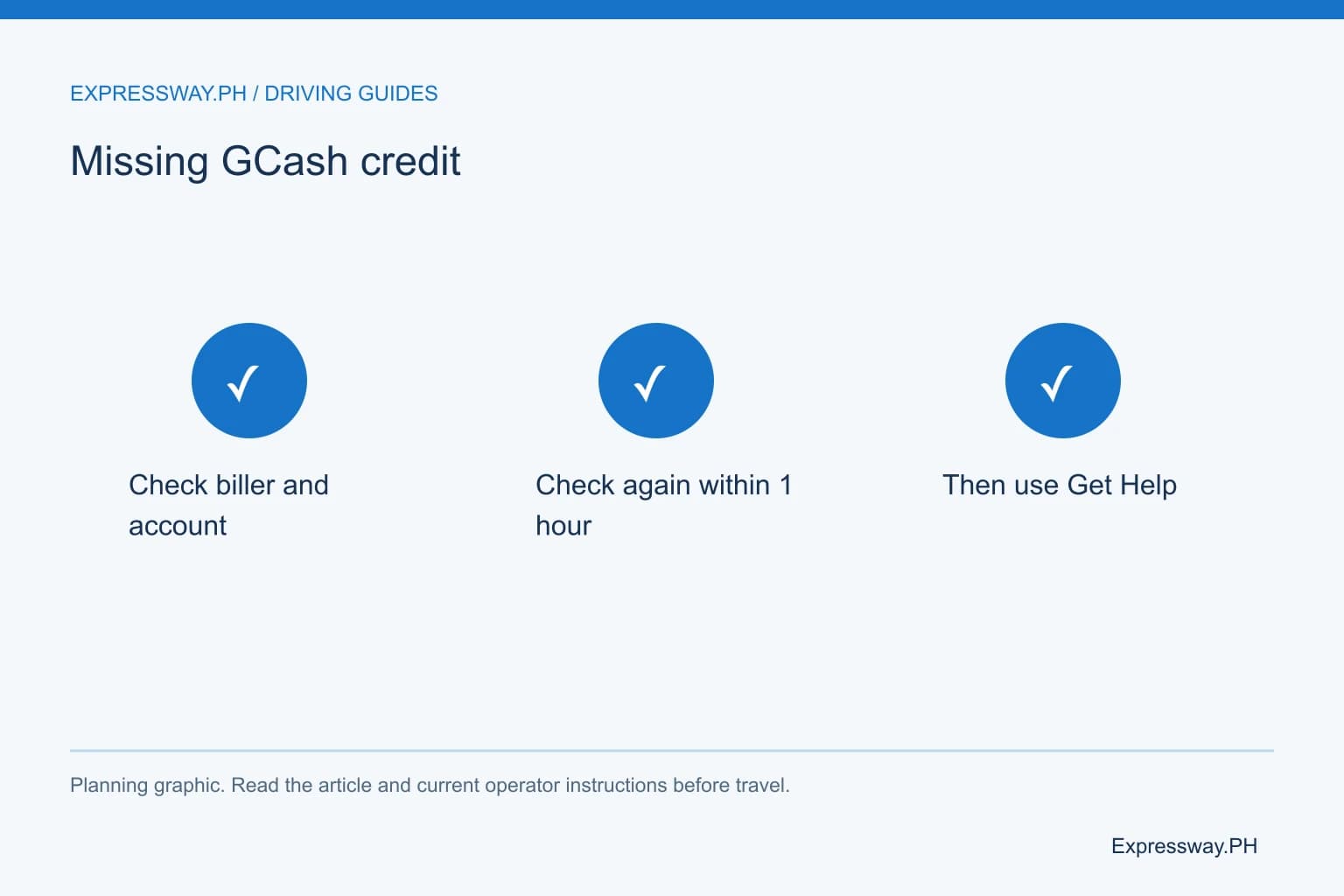
GCash's current help article tells RFID customers to check the biller and account number first. It then asks them to check the balance again within one hour. If the load is still missing after that hour, open the transaction, select Get Help, and report that the payment has not posted.
Keep the transaction reference, amount, account number, biller name, and payment time together. Don't make repeated payments just because the first one is not visible immediately. A second successful payment could leave more money in the toll account than you intended. Resolve the first transaction before deciding whether another top-up is necessary.
Check the right wallet after One RFID enrollment
One RFID enrollment changes which account you maintain across participating tollways. Easytrip's current FAQ describes Easytrip RFID Plus as one RFID, one balance, and one provider. A sticker that has not completed enrollment should not be treated as a unified account merely because another tollway can read it.
Confirm your account's enrollment status before a journey that crosses provider networks. An older interoperability arrangement can involve one sticker linked to two accounts. In that situation, you may still need to check two balances. The card, sticker, and account relationship matters more than the number of visible tags on the windshield.
For example, a northbound trip on NLEX uses the Easytrip network. A later TPLEX segment belongs to the Autosweep network under the ordinary provider arrangement. An enrolled unified account changes that payment setup. Use the One RFID enrollment article to confirm which arrangement applies to you.
Work out whether the balance covers your actual trip
Enough load means enough credit for your entry, exit, vehicle class, and planned return. A familiar commute does not provide a reliable budget for a longer trip. A roof load, trailer, or different vehicle can also change the class assessment.
Use the toll calculator before deciding how much to reload. Check both directions and any optional elevated road. If you choose Skyway instead of an at-grade route, recalculate rather than assuming the same toll. Leave practical extra credit for a missed exit or a changed route.
Suppose the calculated outward toll is ₱250 and the return estimate is another ₱250. Those are example figures, not a published fare. A ₱300 balance would cover the example outward leg but not the whole journey. Compare the available balance with the total travel plan, then reload before you approach the toll lane.
Resolve an account or reading problem before driving
A balance problem and a sticker-reading problem need different checks. If the website shows credit but the barrier does not open, don't conclude that another reload will fix the tag. Follow the attendant's instructions and arrange a sticker inspection if needed.
For account recovery, use Easytrip's published support channels. Its FAQ gives 1-35000 as the customer-service hotline. Have the account record and vehicle details ready. If you have changed phone numbers, email addresses, or ownership, ask how to update the account rather than repeatedly creating new profiles.
Before departure, confirm the balance, record the correct account identifier, and save the operator's contact information. Do the checking while parked. A passenger can help retrieve a record, but the driver should keep attention on lane signs and traffic. The goal is a usable account before the trip starts, not a phone task at the barrier.
Frequently asked questions
Can I check Easytrip balance without the app?
Yes. Easytrip publishes Quick Balance Inquiry on its website and an SMS option. For SMS, send BAL followed by a space and your 12-digit account number to 09191601553. If one service is unavailable, try the other while parked. Confirm that the returned account information matches the vehicle you intend to drive.
Why is my Easytrip reload missing from the balance?
Check the biller name, account number, receipt, and transaction status. For a GCash RFID payment, the current help instructions say to check again within one hour. If the credit is still missing after that hour, open the payment in Transactions, choose Get Help, and report that the payment has not posted.
Does Easytrip use a 12-digit or 16-digit number?
Easytrip's FAQ distinguishes a 12-digit account number from a 16-digit RFID card number. Use the identifier the official service asks for. The published SMS balance inquiry uses the account number. If your record is unclear, check a previously successful receipt or contact Easytrip before making another payment.
Can one Easytrip balance cover all participating tollways?
An account enrolled in the current One RFID program can provide the unified balance described by Easytrip. Ordinary accounts and older one-sticker interoperability arrangements can work differently. Confirm enrollment before crossing networks. Owning an Easytrip sticker alone does not prove that you have activated the one-account service.