
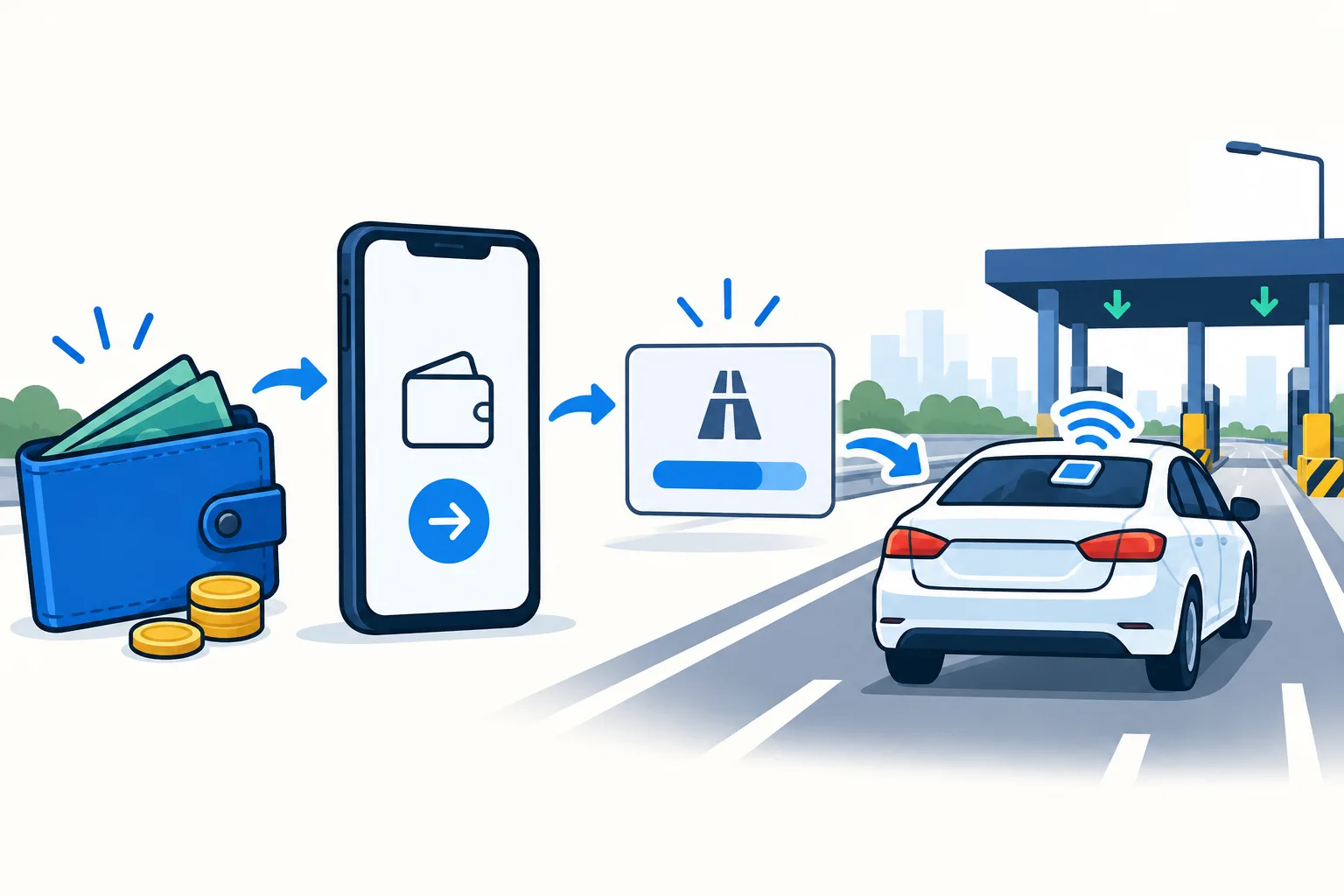
Prepare the Autosweep account before making a payment
Find the Autosweep account number for the vehicle you will use. Compare it with a previous successful receipt or the linked account in the official app. A card identifier, a plate number, and a payment reference should not be substituted for the account field unless the chosen service explicitly asks for one of them.
If you own two vehicles, keep their records separate. A successful Autosweep reload to the wrong car can still leave the intended car short of toll credit. Label saved billers with the vehicle rather than relying on a generic “RFID” favorite.
Check the available balance first. Use the Autosweep balance guide to find the current amount. Then calculate the difference between that balance and your planned outward and return tolls. This prevents an unnecessary large top-up while still covering the actual journey.
| Channel | Confirm before payment | After payment |
|---|---|---|
| GCash | Autosweep biller, account, live fee | Check Autosweep balance |
| Maya / bank | Current biller availability and timing | Keep reference and verify credit |
| Automatic debit | Current application and card terms | Check authorizations and account credit |
Load Autosweep through GCash bills payment
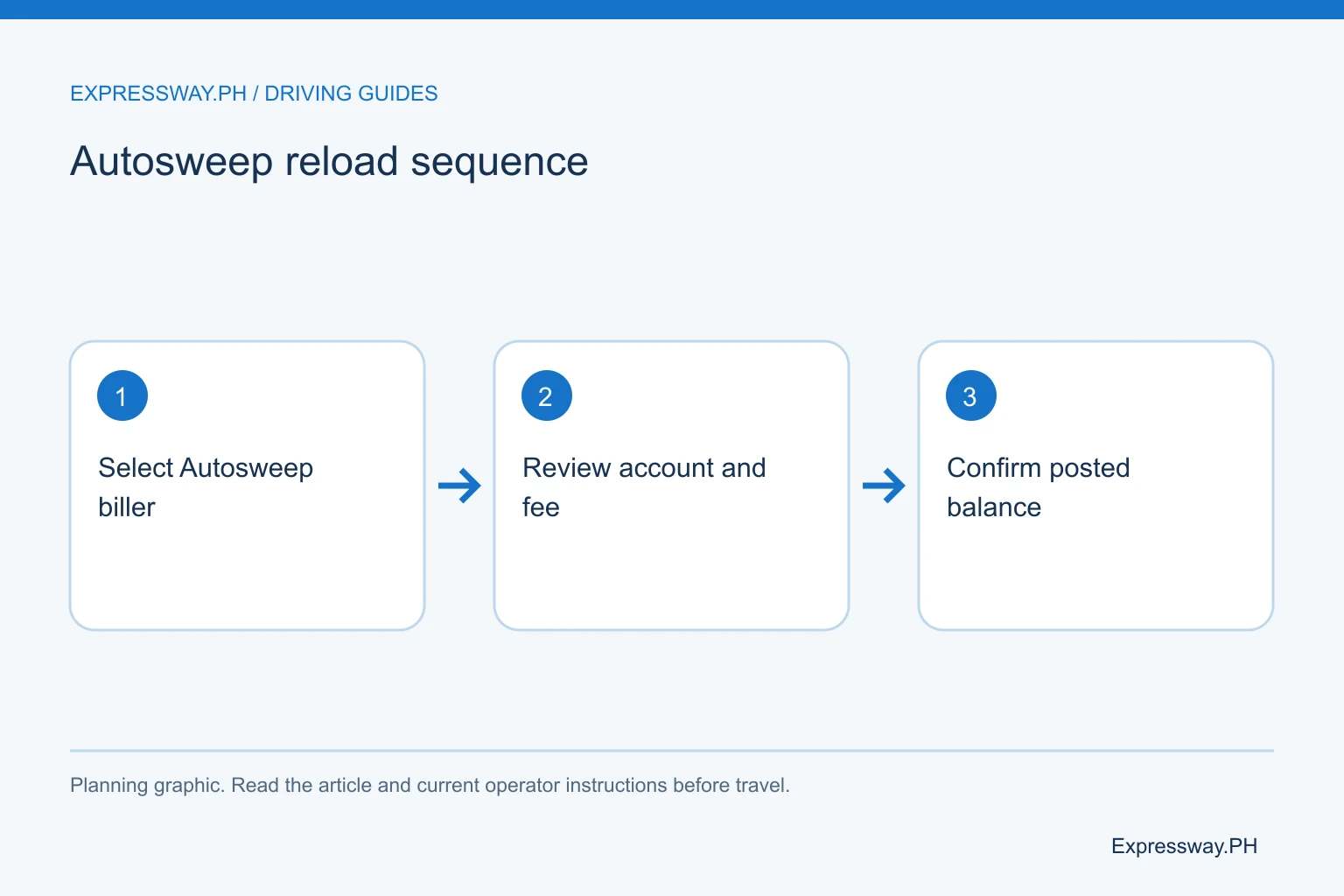
Open GCash while parked and find the bills-payment service. Search the available billers for Autosweep. Choose the exact provider name, enter your account number and load amount, and provide any other details the current form requires.
Review the confirmation screen before paying. Read the account digits, biller, credit amount, service fee, and total wallet debit. GCash's published fee notice lists Autosweep at ₱12 from March 24, 2026. The live checkout remains the final check for your transaction.
After payment, save the reference and receipt. Open the official Autosweep app and check whether the amount reached the intended account. If your previous balance was ₱200 and you successfully add ₱500, the expected balance before other deductions would be ₱700. Treat that as arithmetic for checking the transaction, not a promise about posting speed.
Use Maya only when Autosweep appears in the current biller list
For a Maya reload, open its bills-payment section and look for the Autosweep biller. If the service is available to your account, enter the requested identifier and amount, then inspect the fee and processing information before you confirm.
Do not choose Easytrip because Autosweep is absent or because the two providers both use RFID stickers. They remain different billers outside a confirmed unified-account setup. Even under One RFID, you load the account of the provider you selected, using that provider's accepted channels.
A menu can change after an app update or a payment-partner change. If you cannot find Autosweep in the current list, use another confirmed channel. Don't send money to an unrelated account or a personal payment number from a social-media reply. Keep the receipt for whichever channel you use, and verify credit with Autosweep.
Check bank and card options for the actual account
A bank app may offer Autosweep through bills payment, but availability differs by bank and can change. Search the current list, read the account-number field, and review any cut-off, processing window, or fee. A transfer to a generic bank account is not automatically an RFID reload.
Autosweep also publishes an automatic-debit application service for card arrangements. Automatic debit and a one-time bank reload are different choices. Read the application terms before enrolling, including when the account tops up and how you replace an expired or changed card.
For an occasional trip, a confirmed one-time channel may be easier to track. For regular use, automatic debit can reduce manual payments, but you still need to check failed authorizations and current account credit. Don't discover an expired card at the toll barrier. Keep the payment arrangement tied to the right vehicle record.
Compare the load amount with the full amount you pay
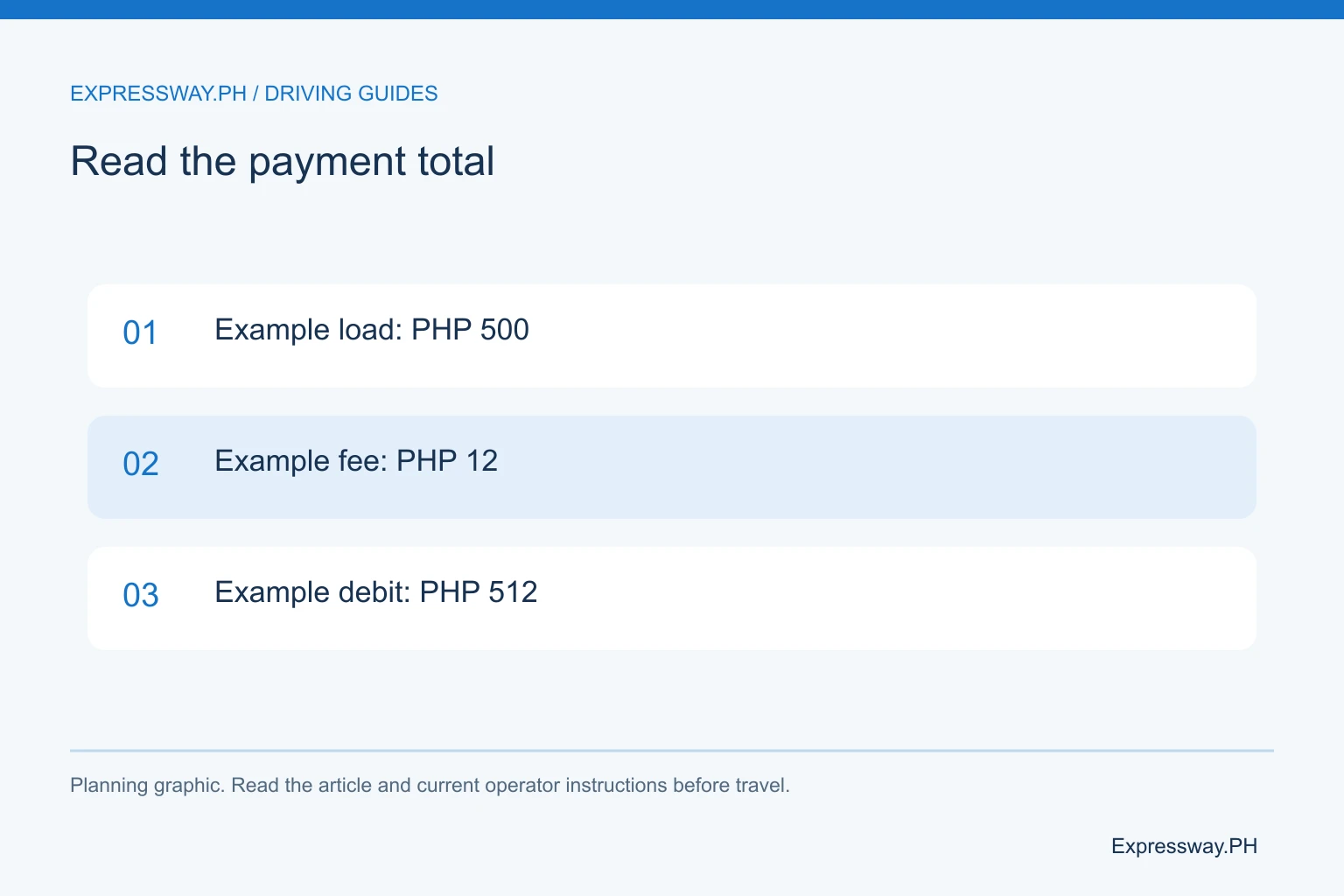
A service fee can sit on top of the load or affect the amount credited, depending on the channel. Read the confirmation rather than assuming every ₱500 payment creates ₱500 of toll credit and no additional charge.
For example, if a channel shows ₱500 load plus ₱12 fee, the wallet debit is ₱512 and the intended account credit is ₱500. If another channel instead deducts its fee from the tendered amount, the credited load can be smaller. These examples explain the distinction; the channel's own screen or receipt determines the actual treatment.
Small repeated reloads can add repeated fees. Plan the outward trip, return, and likely route changes before selecting an amount. You don't need an excessive balance, but you should avoid topping up one toll at a time while traveling. Use the route calculator to choose a practical amount.
Follow the payment channel's missing-load process
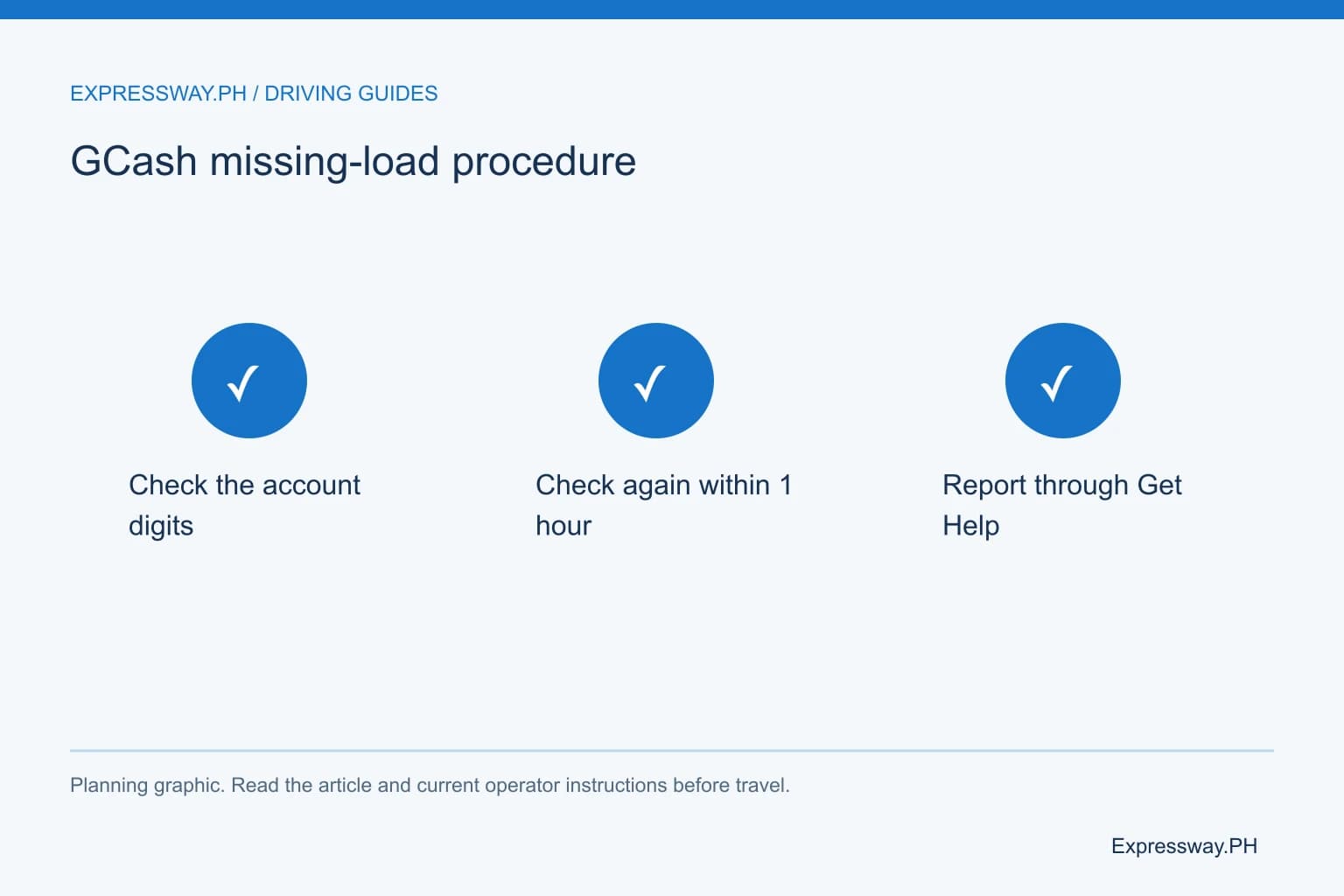
For GCash RFID payments, the current support article gives a specific sequence. Check the account number and biller first, then check the balance again within one hour. If the payment still has not posted after that hour, open the transaction, choose Get Help, and select the missing-payment issue.
If you entered the wrong details, use the transaction's help option for incorrect details. Report the mistake promptly. Don't assume the provider can instantly reverse every credit or that the money automatically moves to your intended account.
Other banks and wallets can set different investigation procedures. Use the channel that took your money as the first place to inspect the payment status. Keep the reference, amount, time, and Autosweep account record. Give Autosweep the same details if the payment channel confirms delivery but your balance still does not reflect it.
Plan for separate accounts or confirmed One RFID enrollment
An ordinary Autosweep account covers the Autosweep network, including SLEX, Skyway, Skyway Stage 3, NAIAX, STAR, and TPLEX. If your trip also uses NLEX or another Easytrip-network road, confirm the account arrangement before deciding where to send the reload.
Under the current voluntary One RFID program, an enrolled unified account can use one selected provider across participating tollways. An older one-sticker arrangement can still require two separately funded accounts. The fact that your windshield has one sticker does not settle the question.
For a Manila-to-Baguio trip, NLEX and SCTEX ordinarily use Easytrip, while TPLEX uses Autosweep. A large Autosweep balance alone may not fund the whole itinerary if you have not enrolled in the unified program. Check both the route and enrollment status. The RFID comparison explains the distinction.
Keep a usable payment record for the next trip
After the reload posts, refresh the balance and note the account you checked. Keep the receipt until you have confirmed the credit. If you save the biller as a favorite, verify the digits one last time before relying on it next month.
A borrowed car needs the owner's current account details. Don't assume the card in the glove compartment is the newest record after an ownership change or sticker replacement. Ask which account receives the vehicle's toll deductions and whether One RFID enrollment has been completed.
Reload before you join the approach queue. If the barrier stays closed despite sufficient posted credit, follow the attendant and arrange a sticker check. Repeating a payment is not a remedy for every RFID problem. Start the trip with both a funded account and a tag the operator can read.
Frequently asked questions
How do I load Autosweep in GCash?
Use GCash bills payment, choose Autosweep, enter the correct account number and amount, and review the fee before paying. Save the receipt and confirm the new balance through Autosweep. GCash publishes a ₱12 Autosweep fee effective March 24, 2026; check the live confirmation screen for the charge on your payment.
Can I load Autosweep through Maya?
Use Maya only when Autosweep appears in the current bills-payment list and the channel accepts your account. Follow the identifier, fee, and processing instructions shown there. If the biller is unavailable, choose another confirmed channel. Selecting Easytrip instead does not reload an ordinary Autosweep account.
What should I do if an Autosweep GCash reload has not posted?
Check the biller and account number, then follow GCash's instruction to check again within one hour. If the credit is still missing after that hour, open the transaction and use Get Help for a payment that has not posted. Report incorrect details through the same transaction if you made an entry error.
Does a successful payment mean I can immediately use the toll lane?
A payment receipt confirms the transaction recorded by the channel. Check the Autosweep balance to confirm usable toll credit before departure. Processing and balance refresh can differ by channel. If the balance is funded but the tag is not reading, follow the attendant and request a sticker inspection rather than paying again.