
Find the Easytrip account number before selecting a channel
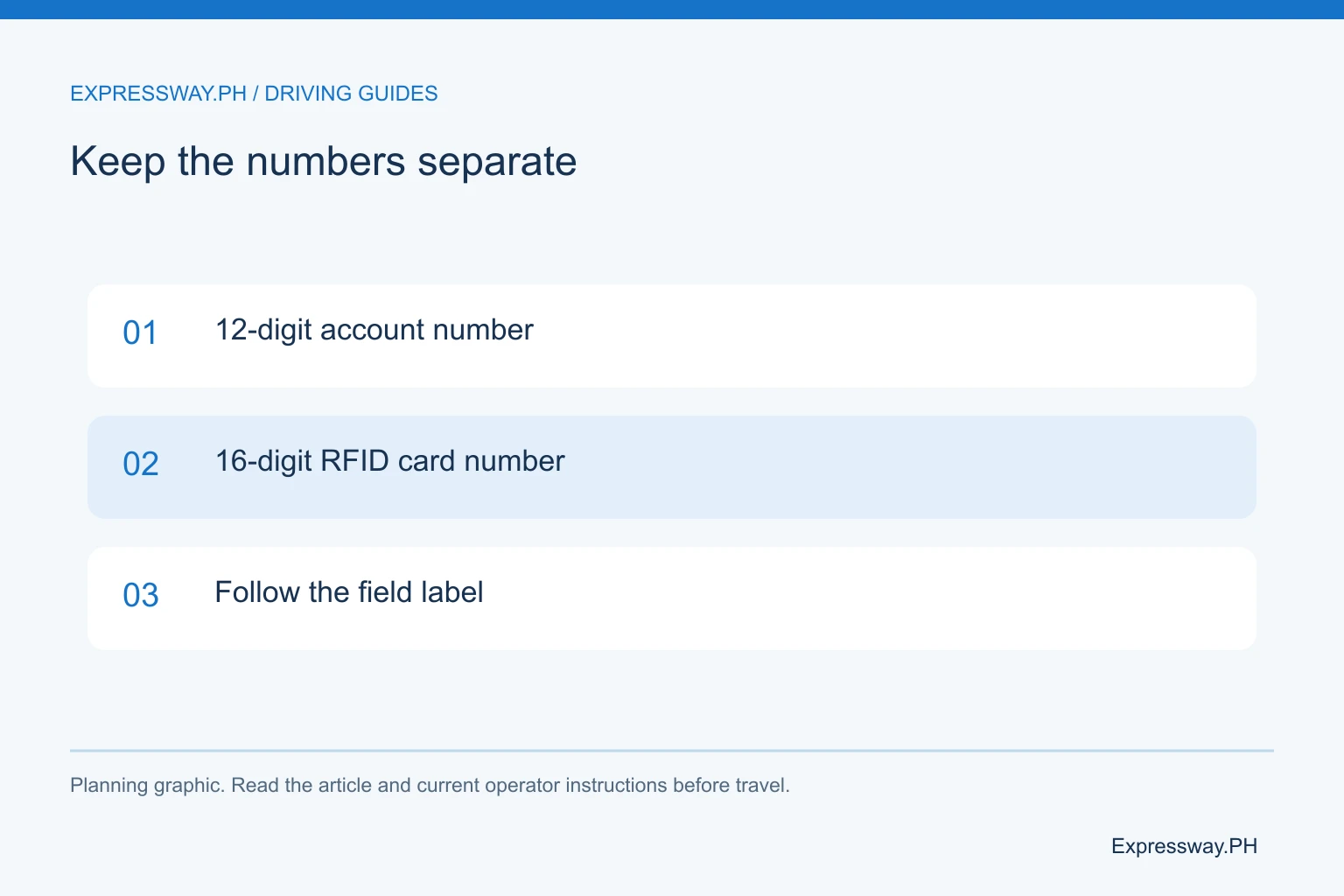
Easytrip's FAQ says the account number has 12 digits, while the RFID card number has 16. A reloading form that asks for the account number needs the shorter account identifier. Copying the longer card number can send you into an avoidable payment problem.
Check the record against a previous reload that credited the intended vehicle. If you manage several cars, identify the car beside the account in your private notes. A saved biller labeled only “Easytrip” is easy to confuse with another family's account when you are in a hurry.
Start with an Easytrip balance check. Knowing the remaining credit helps you choose a useful top-up. Then estimate the outward and return tolls for your entry, exit, and class. Reload for that itinerary instead of paying an arbitrary amount because it worked on your last commute.
| Channel | Identifier and checks | Record to keep |
|---|---|---|
| DriveHub | Correct linked account and checkout fee | Top-up confirmation |
| Wallet / bank | Easytrip biller and 12-digit account | Payment reference |
| Cash partner | Account, minimum amount, service charge | Printed receipt |
Reload through the linked account in MPT DriveHub
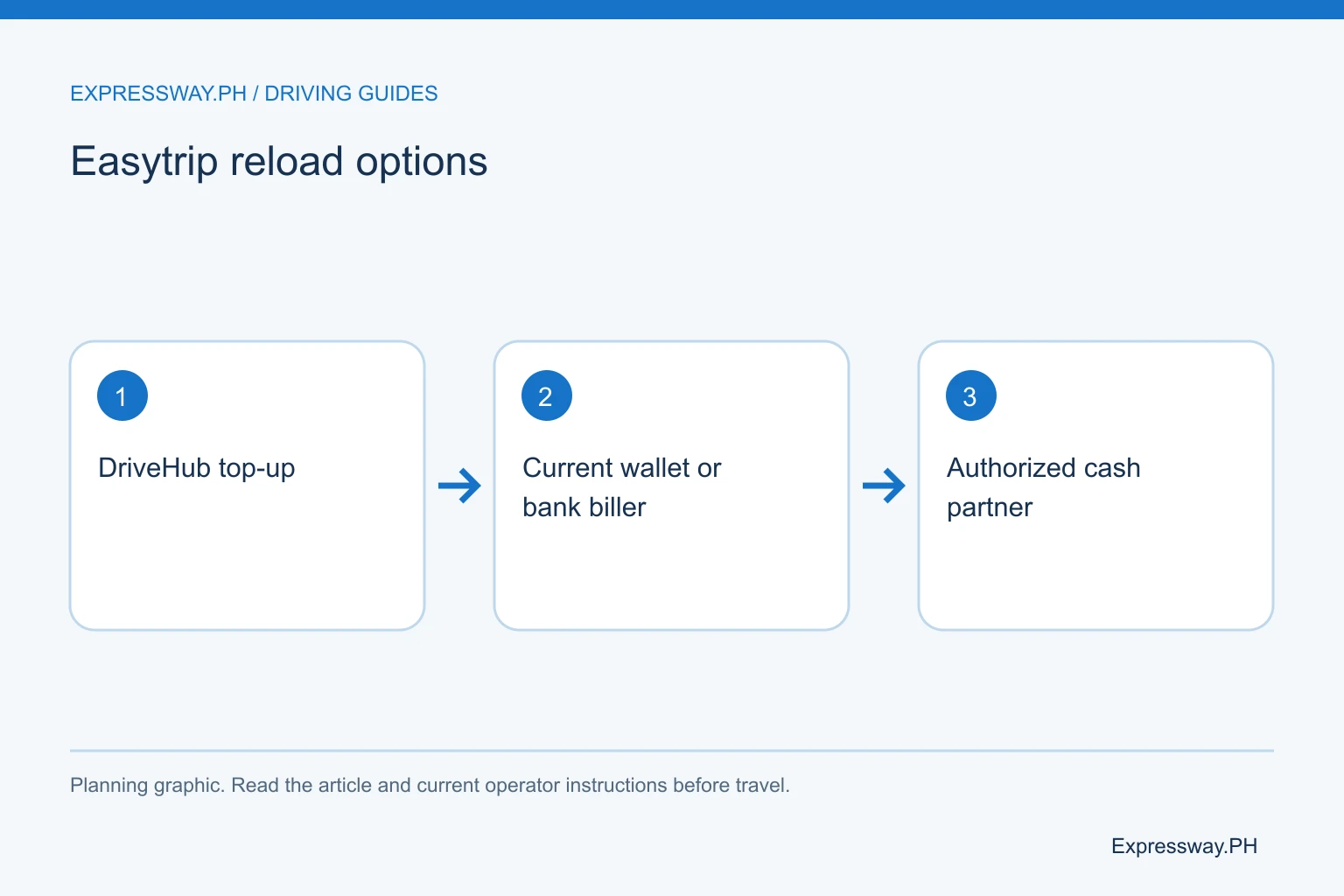
Easytrip's official reloading page describes the DriveHub process through the RFID account area. Link the correct account, select it, and use the top-up option available in the current app. Enter the amount and review the supported payment method.
Read the checkout fee before you approve a card payment. Provider pages can preserve older fee examples, while the live app reflects the charge for your transaction. If a displayed percentage applies, compare the total debit with the actual load. Don't interpret a percentage service charge as a fixed peso fee.
Once the payment completes, keep the confirmation and refresh the account balance. The payment should correspond to the account you selected. If the balance seems unchanged, inspect the receipt and posting information before trying again. The app's account label and the receipt are useful records when you ask support to investigate.
Use the Easytrip RFID biller in GCash
Open GCash bills payment and search the current biller list for Easytrip RFID. Enter the 12-digit account number, load amount, and any requested contact details. Review each account digit on the confirmation screen.
GCash's current fee article lists Easytrip RFID at ₱12. Check the live screen as well. If the transaction shows ₱500 load and a separate ₱12 fee, you will pay ₱512 for ₱500 of intended toll credit. That is an example of how an added fee works, not a fixed minimum reload.
Keep the transaction reference. GCash's RFID support article says to check the account and biller, then check the balance again within one hour. If the payment has not posted after that hour, use Get Help from the transaction. Don't rely on a successful wallet debit alone when you are about to drive.
Check Maya and bank billers before paying
Easytrip's official reloading list includes Maya and bank channels. In the current app you use, find Easytrip by its exact biller name and follow the account-number instructions. Review the minimum amount, fee, and processing information before confirming.
If your bank doesn't show the biller, don't create an improvised transfer or choose another RFID provider. Payment partners can change the services they offer. Use a channel currently accepting Easytrip rather than following an old screenshot that no longer matches the menu.
Bank processing can depend on the channel and its cut-off rules. A “successful” instruction in your bank app may still need processing before it reaches Easytrip. For a trip the next morning, make the payment with time to verify the balance. The record you need is the biller receipt, including the account identifier and transaction time.
Use cash partners and kiosks with the correct identifiers
Easytrip publishes cash reloading options through partners such as 7-Eleven CLIQQ, payment kiosks, and service centers. The partner process can require you to create a payment slip or reference first and then pay the cashier. Bring the correct 12-digit account number.
Inspect the minimum reload and service charge at the terminal or counter. Easytrip's published partner list contains different amounts for different services. A single “all Easytrip reloads are free” claim would be misleading. Likewise, don't assume the kiosk gives change or that every branch offers the same service.
Keep the printed receipt dry and readable until the balance reflects the load. If you use a cashier-generated reference, check that it matches the payment you intended. For a failed terminal transaction, ask the partner how to report it before leaving. A photo of the receipt can help preserve the details without replacing the original.
Understand posting time before you make another reload
Posting time belongs to the payment channel. The current GCash help article provides a one-hour check-and-report process for RFID payments. That instruction should not be stretched into a promise that every wallet, bank, and kiosk posts in the same time.
Check the balance through Easytrip after paying. If the amount is missing, compare the biller and account number before assuming a delay. A correct payment to the wrong car can look like missing load when you inspect only your intended vehicle.
If you discover incorrect details, report them through the payment channel promptly. If the details are correct but the credit is still absent after the stated window, provide the amount, time, reference, and account record. Avoid repeated reloads until you understand the first transaction. Several successful payments can leave you with more prepaid credit than your trip needs.
Load the selected provider after One RFID enrollment
Easytrip's current FAQ describes Easytrip RFID Plus for the One RFID program. An enrolled account uses one provider and one balance across participating tollways. Your chosen account should be the one you reload for that setup.
Older one-sticker interoperability can have two separate accounts. Ordinary Easytrip and Autosweep accounts also remain separate outside confirmed unified enrollment. Ask the provider which arrangement your vehicle has before assuming one payment funds all the roads ahead.
For example, a northbound route on NLEX and SCTEX ordinarily uses Easytrip, then TPLEX ordinarily uses Autosweep. An enrolled unified account changes that payment relationship. Read the One RFID enrollment guide for the distinction. The goal is to send the money to the account that will actually pay the upcoming tolls.
Budget the return journey and save the receipt
Use the toll calculator to estimate the trip from the actual entry to exit. Check vehicle class and optional roads. A trip using NLEX Connector is not necessarily priced like one using only the NLEX main line. Recalculate if the route changes.
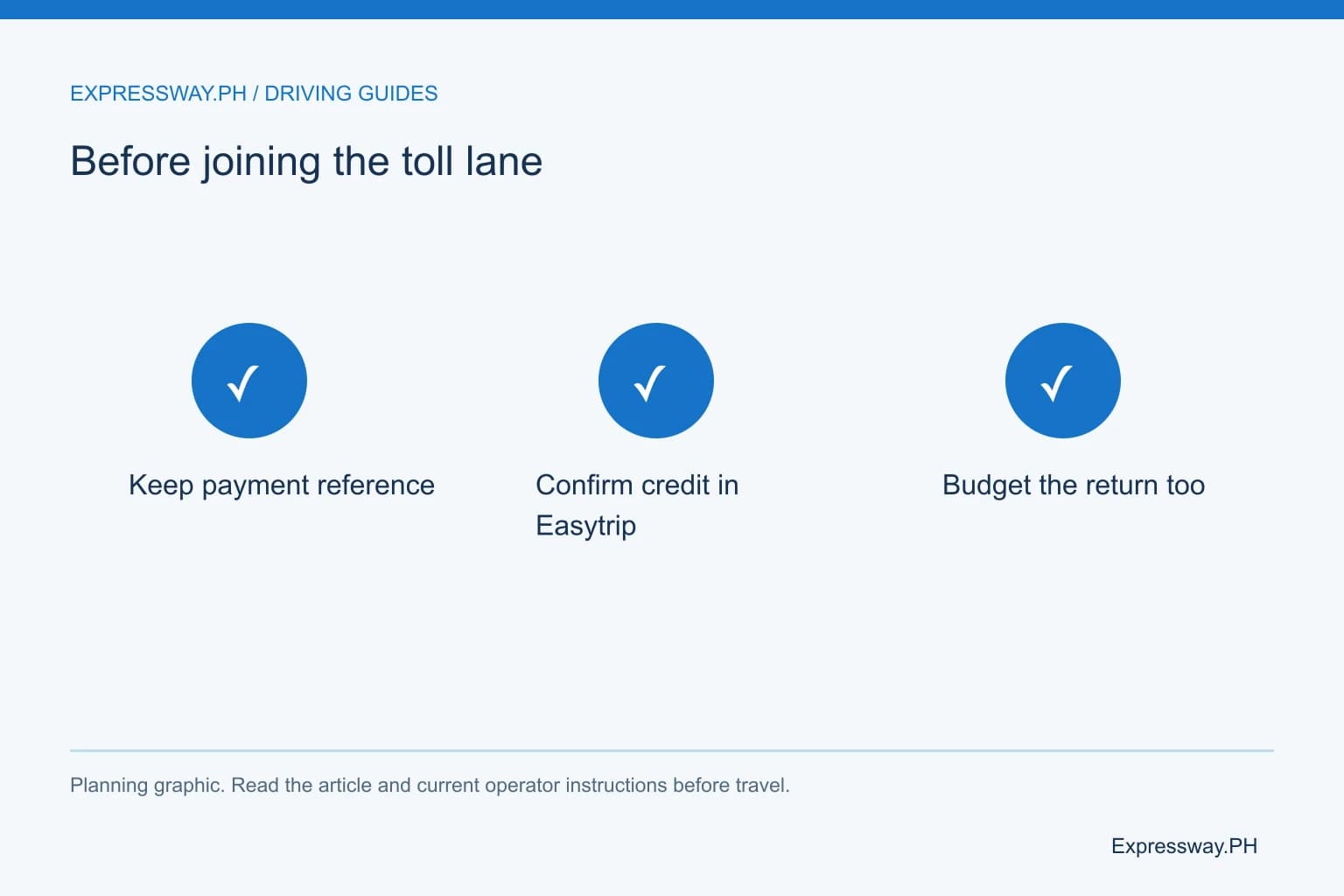
Include the return journey and a practical margin before choosing a load amount. If the example outward and return estimates total ₱900 and your available balance is ₱300, you need at least ₱600 of additional credit for that example plan. Allow extra if you may change exits. These figures demonstrate budgeting and are not current route fares.
Before leaving, confirm the reload in the correct Easytrip account and keep the payment record. Do the account checking while parked. If a tag will not read despite posted credit, follow the attendant's instructions and seek inspection. Reloading is an account task; it does not repair every sticker-reading problem.
Frequently asked questions
What number do I use to reload Easytrip?
Use the identifier requested by the official payment channel. Easytrip's FAQ identifies a 12-digit account number and a separate 16-digit RFID card number. For an account-number reload, use the 12-digit record. Compare it with a previous successful receipt for the vehicle before saving it as a favorite biller.
How much is the Easytrip GCash service fee?
GCash's current fee page lists Easytrip RFID at ₱12. Review the live payment confirmation before approving the transaction because charges can change. Check whether the fee is added to your payment and how much toll credit you will receive. Other partners can have different charges and minimum reload amounts.
How long does an Easytrip reload take to appear?
Use the processing instructions for the channel you paid through. GCash asks RFID customers to check the balance again within one hour and report a payment that is still missing after that hour. That is a GCash support procedure, not a universal posting guarantee for every bank, wallet, counter, or kiosk.
Can I use one Easytrip reload on TPLEX?
A confirmed Easytrip account enrolled in the current One RFID program can provide the unified balance described by the provider. An ordinary account or older two-account interoperability arrangement can work differently. Confirm enrollment first. Under ordinary coverage, TPLEX uses Autosweep and NLEX or SCTEX uses Easytrip.