
Cost and requirements, from Easytrip's FAQ
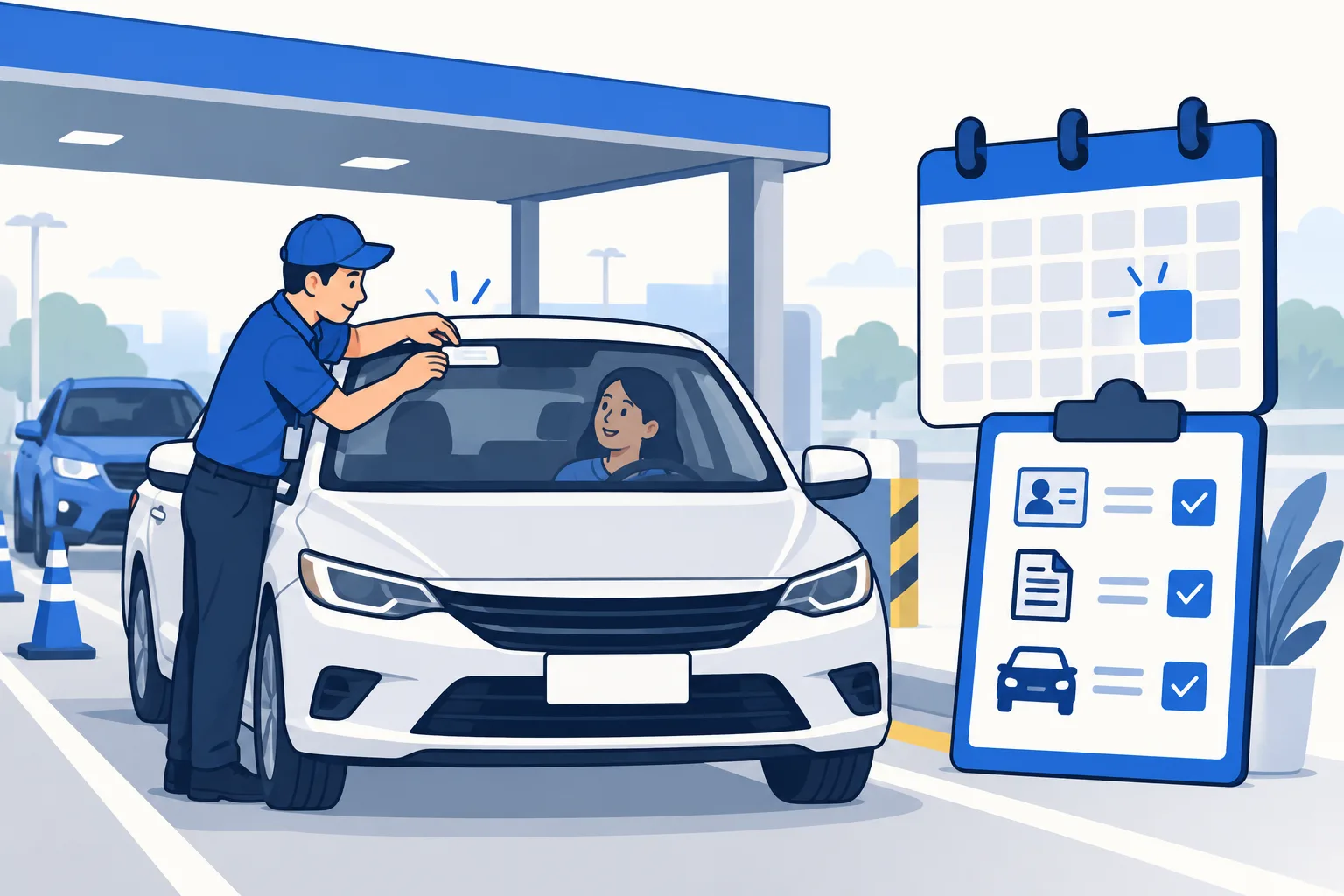
Easytrip's FAQ, read on 17 September 2026, says the RFID sticker and installation are free. You bring cash to load the account at installation; Easytrip recommends at least the toll of your first trip. Book the online appointment first: it skips the queue and the manual registration, and Easytrip applies a no-vehicle, no-installation rule.
For a motorcycle, the operator adds the 400cc minimum and asks that the OR/CR carry the plate number, conduction number or MV file number.
| Requirement | Detail (Easytrip FAQ, 17 Sep 2026) |
|---|---|
| Vehicle | Present at the station; no vehicle, no installation |
| Documents | OR/CR; valid ID; Deed of Sale or Letter of Authorization where the vehicle is not in your name; for a motorcycle, a dealer letter with the specification if the OR/CR is pending |
| Appointment | RFID Online Appointment QR code, booked on easytrip.ph |
| Contact details | Active email address and mobile number |
| Money | Cash for the load; sticker and installation are free |
| Sticker position | Upper centre of the windshield; tinted glass is assessed and may be cut; only Easytrip Product Experts install |
| Lost card | ₱100 replacement at any Easytrip RFID Station |
Choose the service your vehicle needs
A new installation, a sticker replacement, and One RFID enrollment are different tasks. Explain whether your vehicle has no tag, has a damaged tag, or has a working sticker you want to use with a unified account.
Easytrip's current FAQ describes Easytrip RFID Plus for One RFID. An ordinary tag installation should not be treated as proof that the account is enrolled across all participating roads. Ask the site to confirm what service it will activate and which balance you will reload afterward.
If you bought a used car, bring any existing Easytrip record and ask how to update ownership. A sticker fitted to the vehicle can still be linked to a previous owner's account. Resolve that account relationship instead of paying into a number from an old card that you cannot identify.
| Preparation | Why it matters | Next check |
|---|---|---|
| Vehicle present | Technician assesses placement | No self-installation |
| OR / CR and supporting documents | Match vehicle and applicant | Ask about ownership or company case |
| Initial load | Credit for planned tolls | Confirm opening balance |
Select a current authorized installation site
Start with Easytrip's official installation information. Choose a location on the road side and direction you can reach legally. A site in a northbound service area is not an option to approach by crossing from the southbound carriageway.
The installation-site directory can help identify possibilities, but confirm service availability and opening hours with the provider. A fuel station's trading hours do not establish the installer team's hours. Temporary sites and promotions can change.
Ask whether the site accepts walk-ins or requires an appointment for your vehicle and service. If you book, save the appointment confirmation and QR code. Allow time for the installation task before the actual road trip. Don't set an arrival plan that depends on an unverified claim that all appointments take ten minutes.
Bring the documents Easytrip identifies
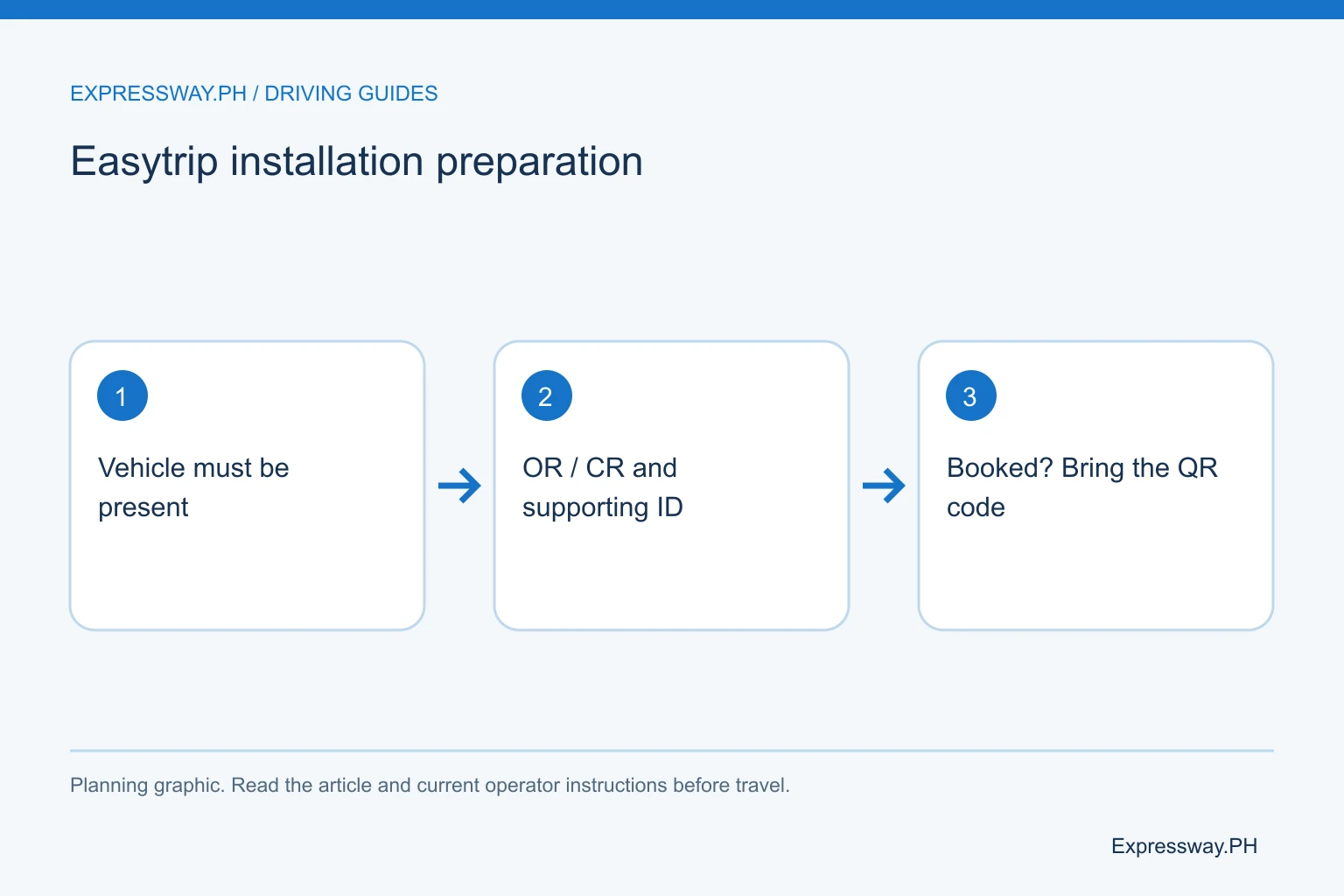
Easytrip's FAQ asks for the vehicle, OR and CR (Official Receipt and Certificate of Registration), and supporting documents such as identification, a deed of sale, or authorization. It also lists the appointment QR code when booked, an email address, a mobile number, and cash for load.
For a car registered to another person, ask what authorization is needed. For a company or newly purchased vehicle, ask about the documents accepted for that situation. Bring records that accurately connect the applicant, vehicle, and account. Don't treat another owner's registration as proof that you can take over their existing prepaid balance.
Check names and contact details before submitting the form. Use an inbox and phone you can access. The account may need those details for recovery and updates. Keep the registration originals secure and prepare copies if the site requests them. Complete the paperwork before you reach the installer queue when possible.
Bring the vehicle and let the technician inspect the fitting
Easytrip explicitly states “No Vehicle, No Installation” in its current FAQ. The installer needs the actual vehicle to assess sticker position and compatibility. A passenger carrying the registration alone cannot complete the same fitting task.
The FAQ describes a windshield position around the upper center and says technicians assess tint. In some cases they may advise a small cut in the tint. Do not cut tint, move a tag, or peel off an existing sticker yourself because a generic internet diagram shows a position.
Tell the technician about a replaced windshield or recurring scan failures. Ask what the fitting and test establish. Save the account record issued for that vehicle. The supporting illustration is conceptual and cannot determine your car's exact fitting position. The technician's assessment should settle the placement.
Separate free installation from the load you buy
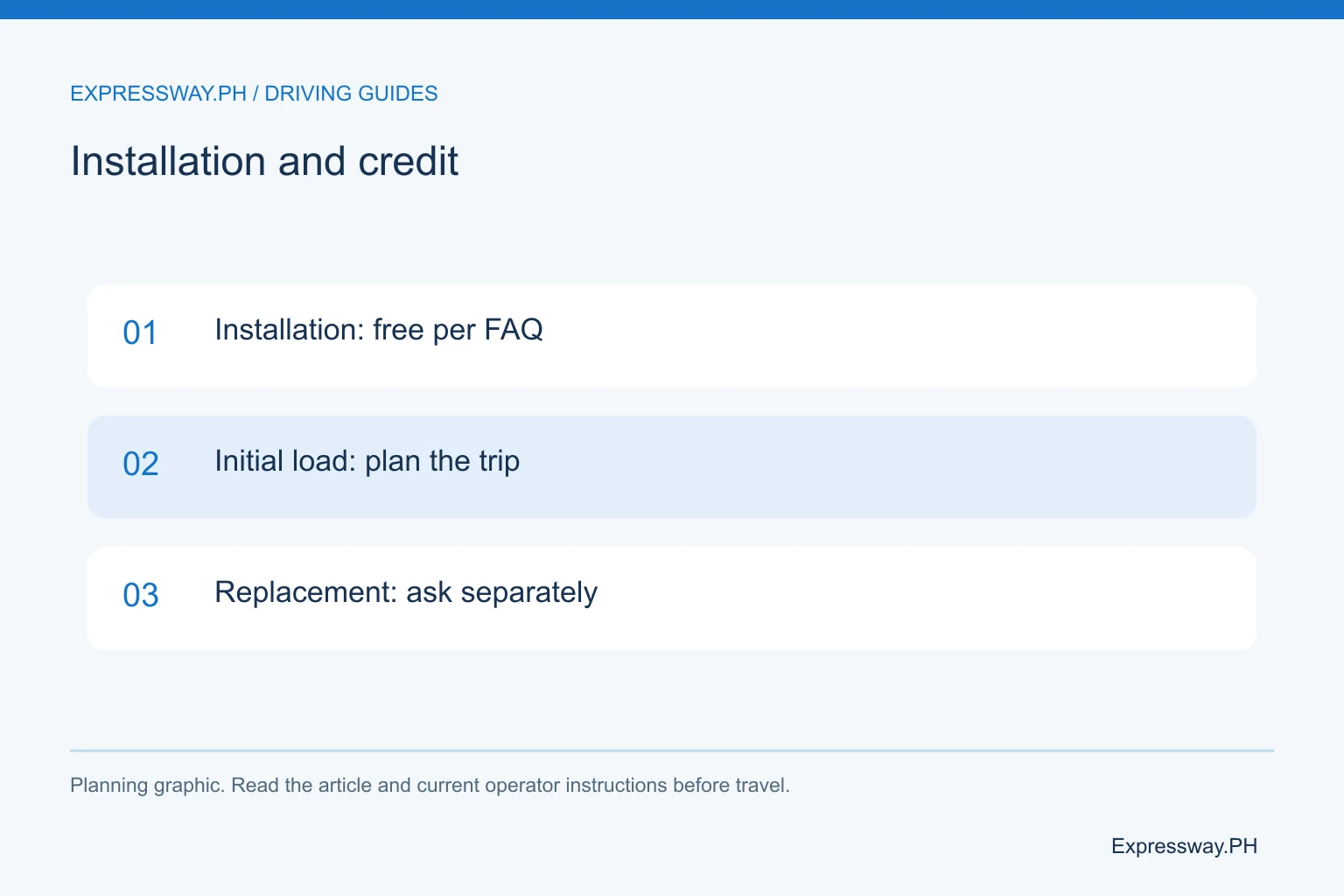
Easytrip's FAQ says installation is free and recommends initial load equivalent to the first trip's toll. That means the prepaid credit is for road use, not an installation fee. Ask the site to explain the amount credited to the account.
Estimate your planned entry-to-exit tolls with the toll calculator. Include the return if you will depend on the opening balance for both directions. A fixed load copied from an old guide may be too little for a long trip or more than an occasional driver needs.
If you are replacing a card or sticker, ask the provider about the relevant policy. Easytrip's FAQ describes different treatment for a defective sticker and a lost card. Don't extend free first installation into a promise that every replacement task is free. Keep the service receipt and the credited-load record.
Prepare an eligible motorcycle's registration
Easytrip's installation FAQ addresses motorcycles of 400cc and above. It asks for registration and identification details such as the plate, conduction sticker, or MV file record, with supporting dealer documentation for applicable cases.
A motorcycle's advertised model name is not a substitute for its registered displacement. If the documents and marketing name differ around the eligibility threshold, ask the operator what it will accept before you ride toward the tollway. The installation process does not grant an exception to road-access rules.
Bring the actual motorcycle for fitting and account matching. Ask how the tag should be protected and inspected. Use the motorcycle expressway rules for the broader riding requirements. An eligible engine size and a working RFID account are separate preparations, and you need to settle both before the trip.
Set up DriveHub and confirm the opening balance
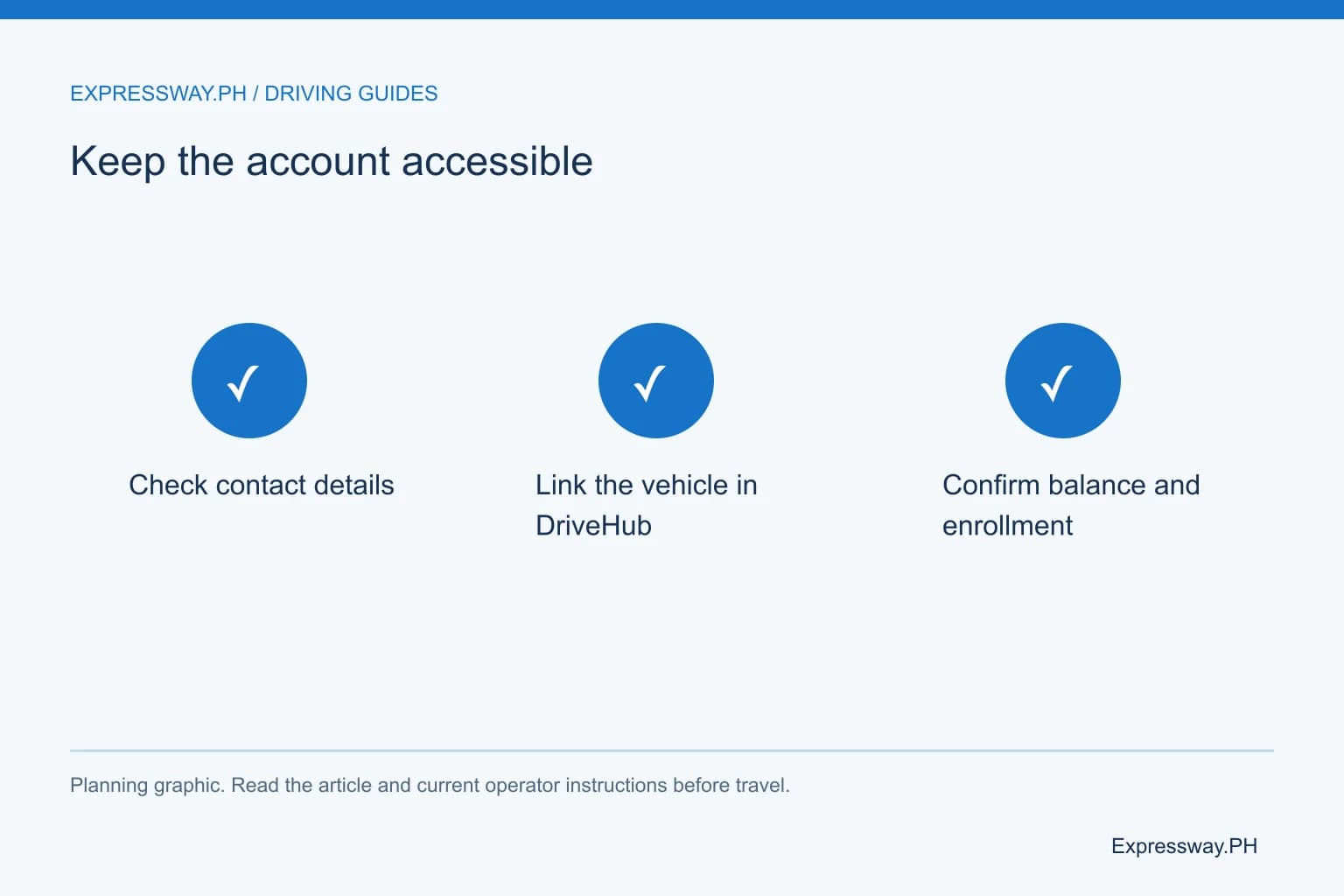
After installation, check the Easytrip account record. The provider identifies a 12-digit account number and a separate 16-digit card number. Save both with clear labels so you use the requested identifier for future checks and payments.
Easytrip points customers to MPT DriveHub for app account management. Create your profile and link the correct vehicle account. Confirm the opening credit through the app or Quick Balance Inquiry. Merely signing into an app profile does not prove that the account is linked.
If a number or vehicle detail seems wrong, ask the site before leaving. That is easier than investigating a mistaken reload later. Use the Easytrip balance guide and reload guide for subsequent account tasks. Keep installation, profile access, and payments as clear separate records.
Confirm coverage and activation before the first drive
Ordinary Easytrip coverage includes NLEX, SCTEX, NLEX Connector, CAVITEX, C5 Link, and CALAX. Easytrip's current FAQ describes broader participating coverage for an enrolled RFID Plus account under One RFID.
Ask the provider whether enrollment is complete, which account is active, and what happens to any existing accounts. Don't infer activation from a new windshield tag or an appointment booking. Keep the provider's confirmation with the vehicle record before changing your reload habits.
On the first trip, check sufficient posted credit and read the lane signs. Approach at the posted speed and wait for your own clearance. If the tag is not read, follow the attendant rather than reversing or entering another lane unpredictably. Have the installation record available afterward so support can inspect the specific account and tag.
Frequently asked questions
Is Easytrip RFID installation free?
Yes. Easytrip's current FAQ says installation is free and recommends initial load equivalent to your first trip's toll. Prepaid credit is separate from an installation fee. Ask about any replacement or lost-card work separately. Calculate your actual journey so the opening balance covers the tolls you plan to use.
Can someone install Easytrip without bringing my vehicle?
Easytrip's FAQ states that the vehicle must be present. The installer needs to assess placement and compatibility. Bring the car or eligible motorcycle together with the registration and supporting documents. An appointment QR code or account form does not replace the fitting and inspection task on the actual vehicle.
Do I need an Easytrip appointment?
Follow the current rule for the site and service you choose. Easytrip's FAQ lists an appointment QR code when you have booked. Confirm whether the chosen location accepts walk-ins or needs a booking before traveling. A service area's fuel-station hours do not establish the RFID installer's operating schedule.
Does Easytrip installation automatically activate One RFID?
Ask the provider to confirm the account's enrollment and activation. Easytrip's current FAQ describes RFID Plus for the unified program, while ordinary service and older interoperability can have different balance arrangements. A physical tag on the windshield does not by itself establish which account will pay across participating networks.